the .zip file give the contents a bit of armour, in that the inbuild crc checking can tell me if the files within are chaneng, or corrupted.
moving this files is easier when they’re all in one file; using the .zip will have the coverimage, maybe a .txt with a desciriotn and other details.
some savings in disk space, although most of these file formats are alread highly compressed.
one thing i could due to same considerable disk space to is to downsampple the audio files, since most of these audiobooks are very simple and muich compression can be had. perhaps some special duclet-toned gods & gdoesses doing the oration might be worth the extrara resolution, but for most, probls down tovery high comnpression possib,e
for instance, hwere’s Stephen King’s It, 1.8GB:

unextracteds, it’s files for ~
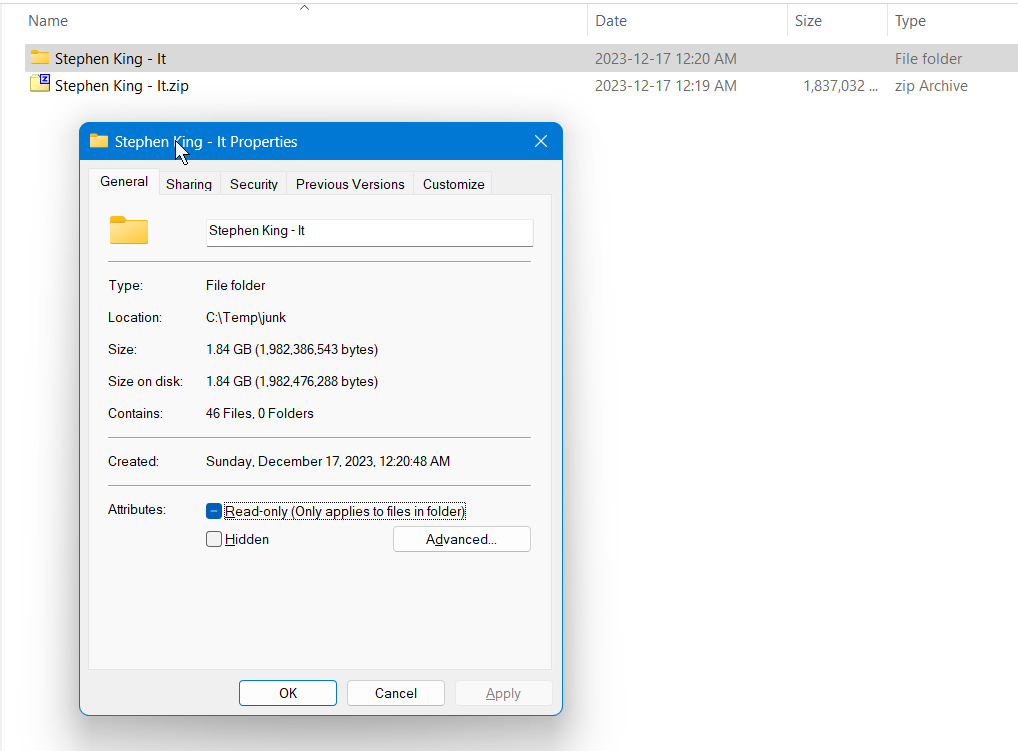
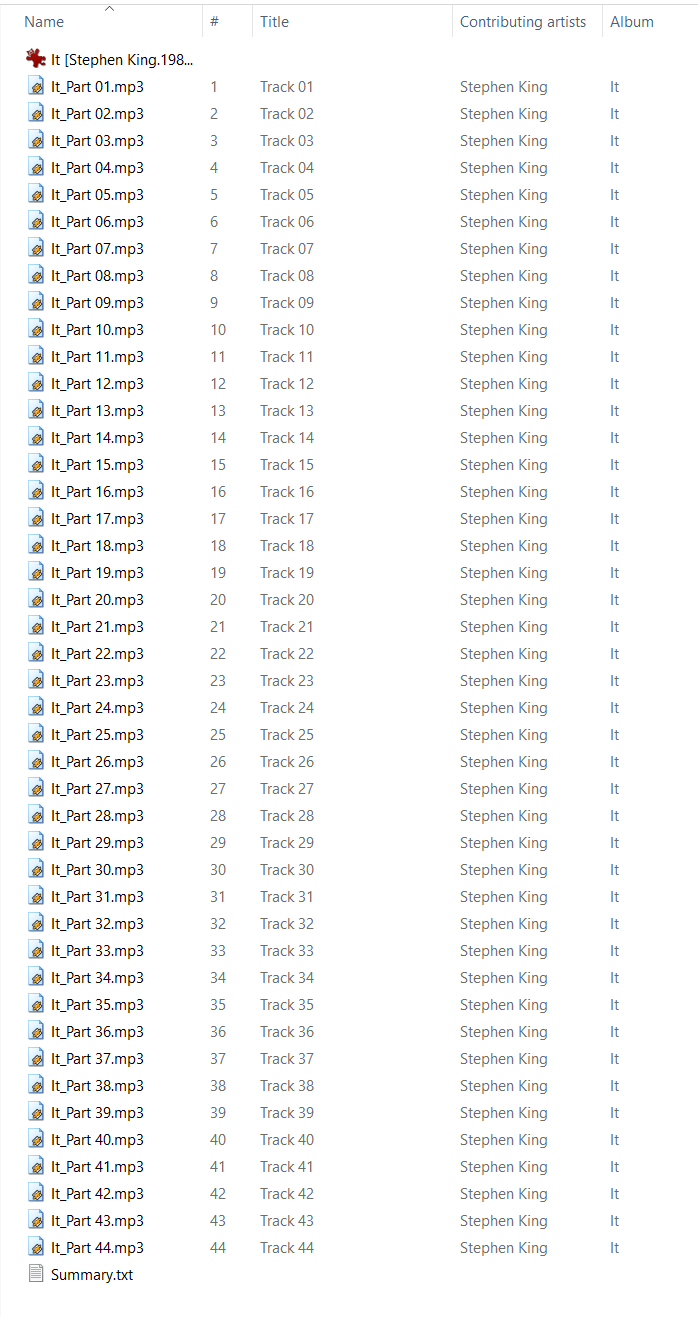
here’s the file list:
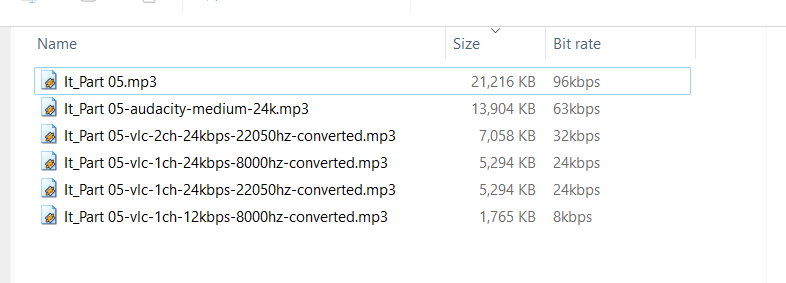
picking a random file, we can see it’s recorded as 96kbps, 30:06s 21216kb. it sounds wonderful
what about if resampled via vlc? to 24kbps? how low can we go before it’s ovbjectionably bnad? here’s some results; put in table below. in my opinion, the second smallest file was accptable; the smallest file was bad enough to be annoying.
snotice too haw the filesize dfid not change when dropping sampling rate from 22050hz to 8000hz.
ignore the audacity one… can’t easily batch these operations as can with vlc, can probs even cli vlc for even easier work
save 75% disk space is worth the effort, starting at ther largest gfiles
| kbps | sampling | stereo | size | quality |
| 128 | 44100 | y | excellent | |
| 44100 | y | ? | ||
| n |
heres a decenjt guide on how to use VLC to resample .MP# files. sadly, it seems very slow.
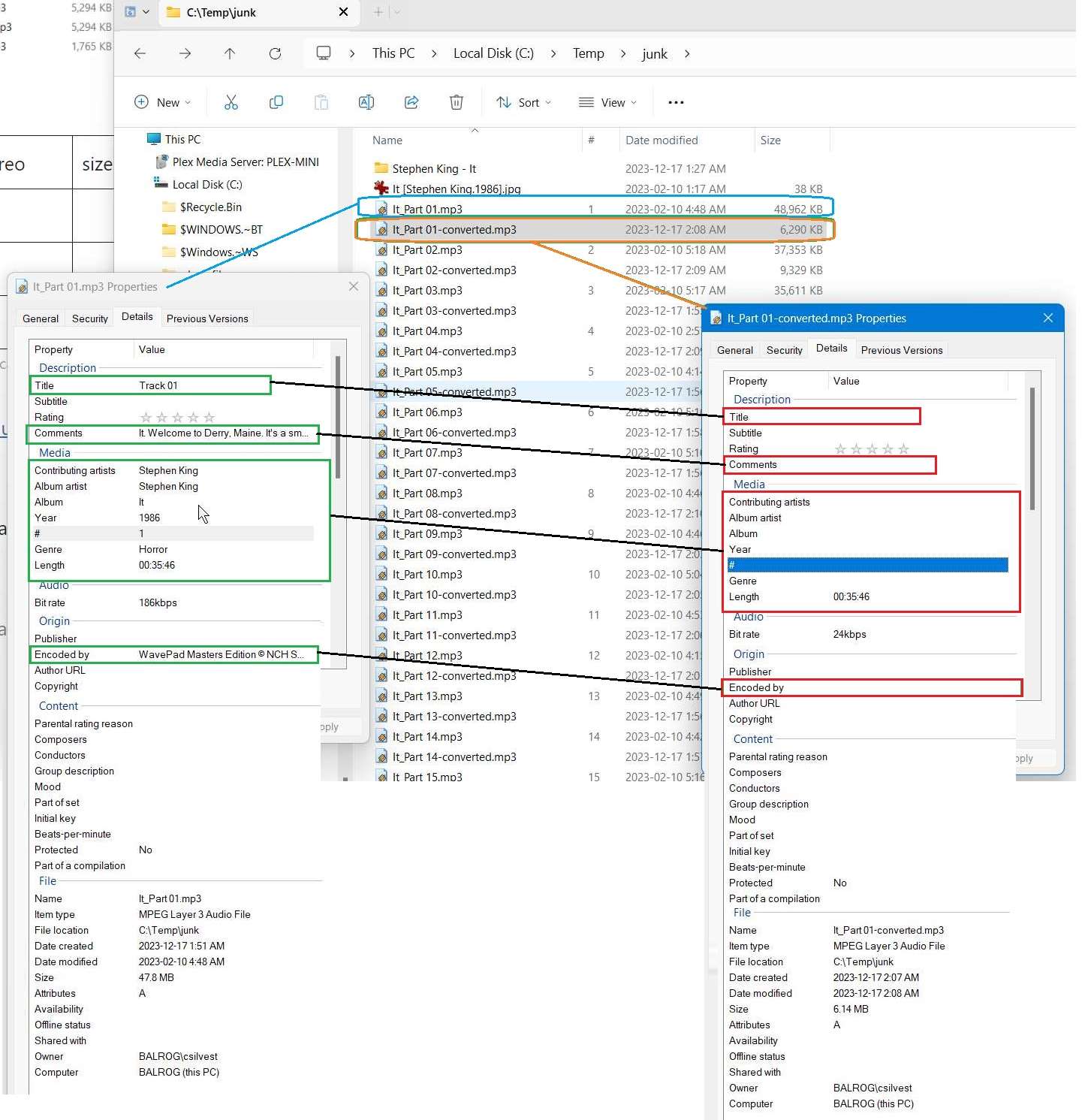
problem: vlc seems to lose the track# metadata. this is problematic fatal.