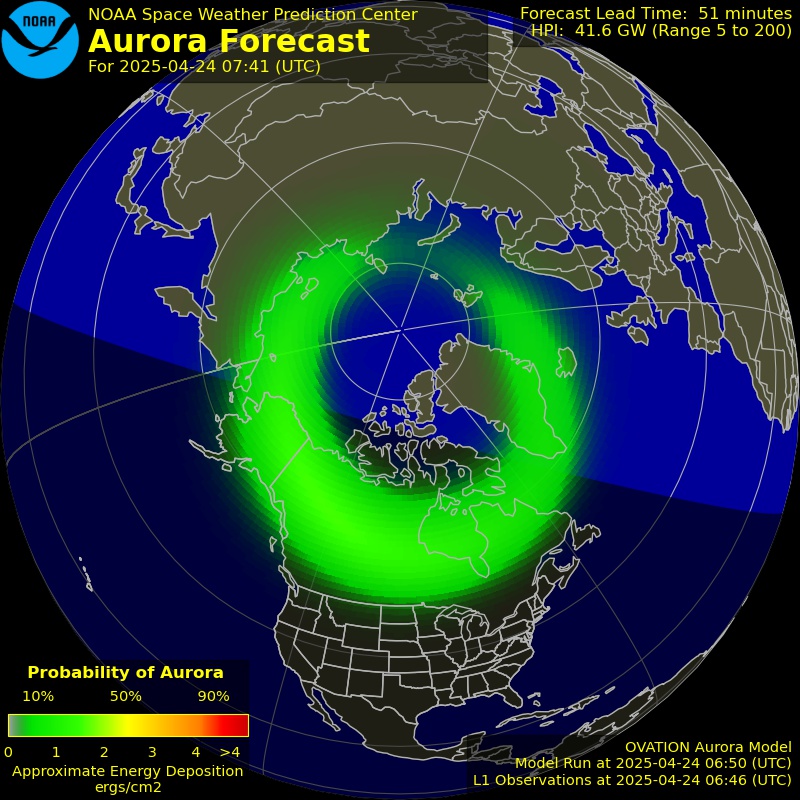
Please open the following videos in seperate windows:
https://www.youtube.com/watch?v=vvOjJoSEFM0
https://www.youtube.com/watch?v=mhJRzQsLZGg
Set both videos to 1080p or 720p (no matter which, just be same): Youtube’s gear menu -> Quality -> choose 720p or 1080p)
Open Chrome’s “Task Manager”: Chrome’s 3-dot menu -> More Tools… -> Task Manager
Sort Task manger so largest “Memory Footprint” is at top.
Open Windows Taks Manager: Start -> type “taskmgr” -> ENTER
Choose the performance tab
Arrange windows so you can see all, like so: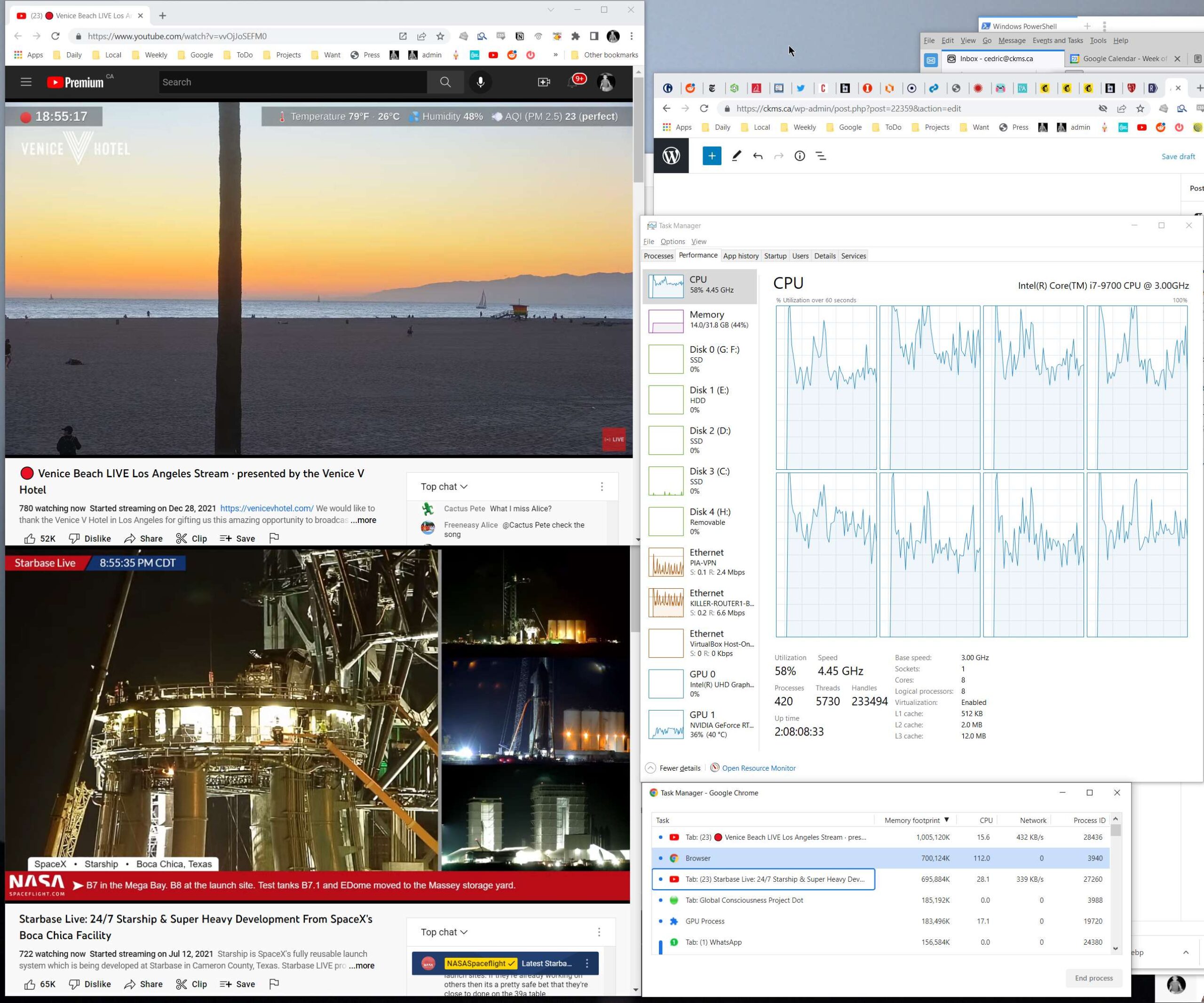
Capture the screen (Prnt Scrn key then paste into paint, etc.) or new snipping programs, or the best screen snipper of all: Greenshot!
Wait 1 hour
Capture the screen
Send me both screen caps