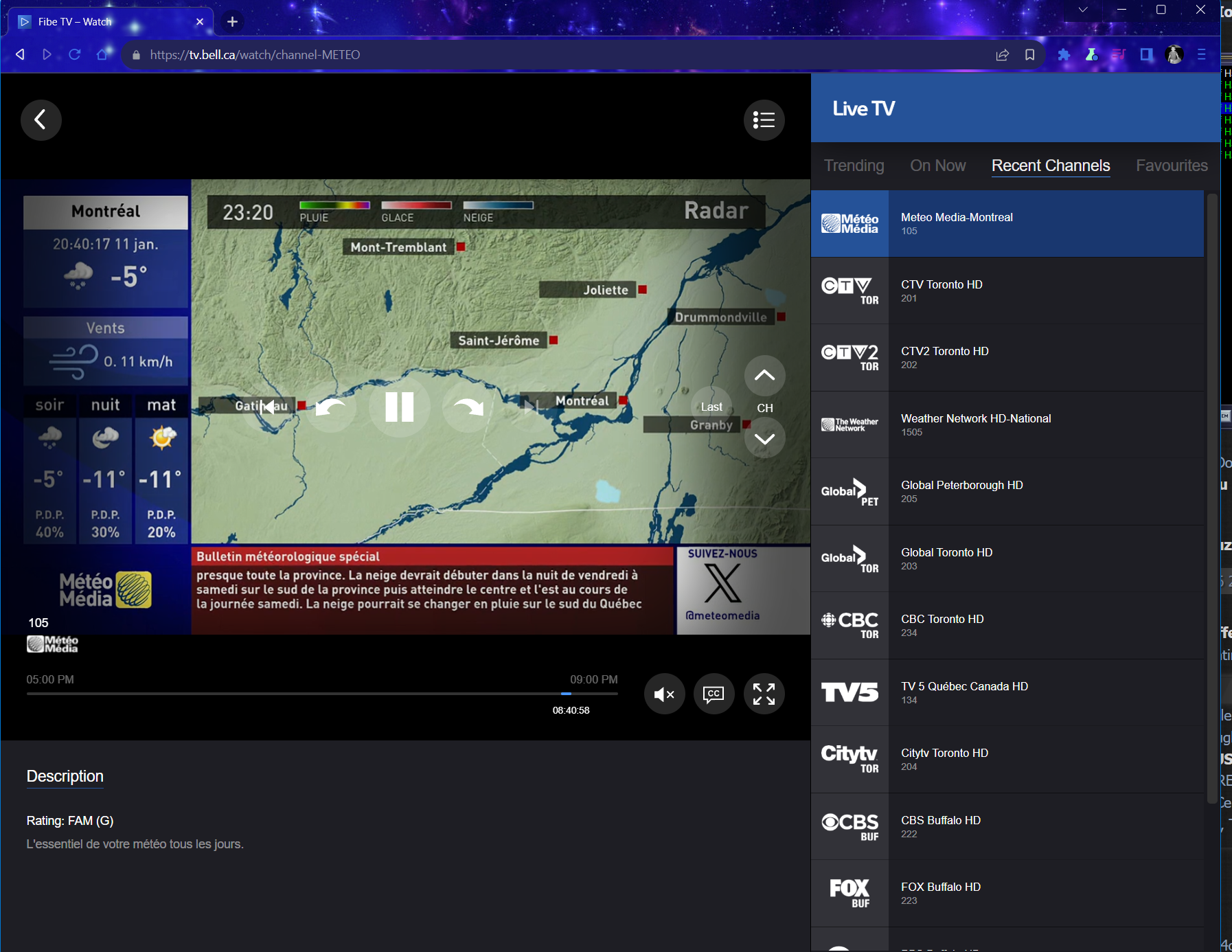
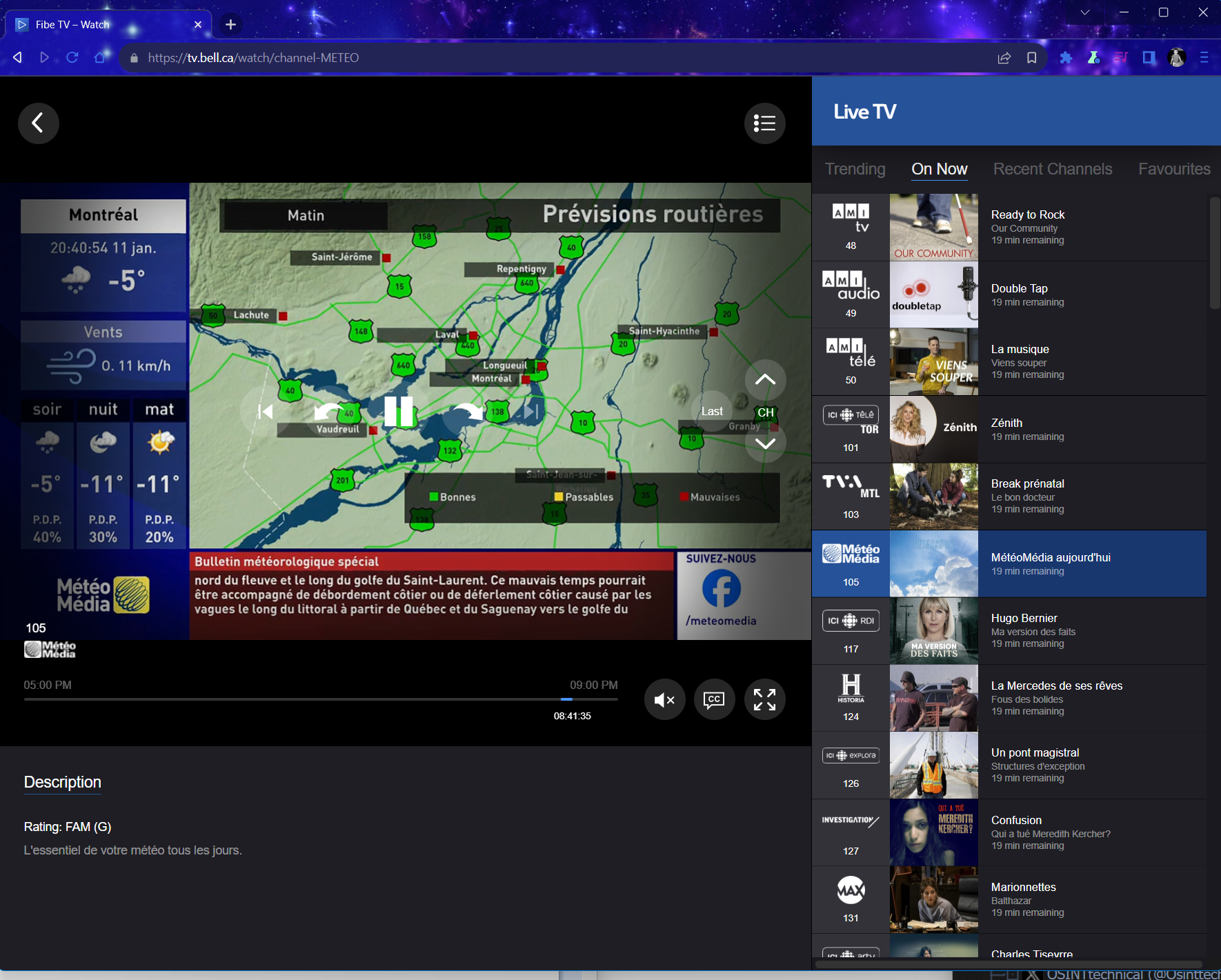
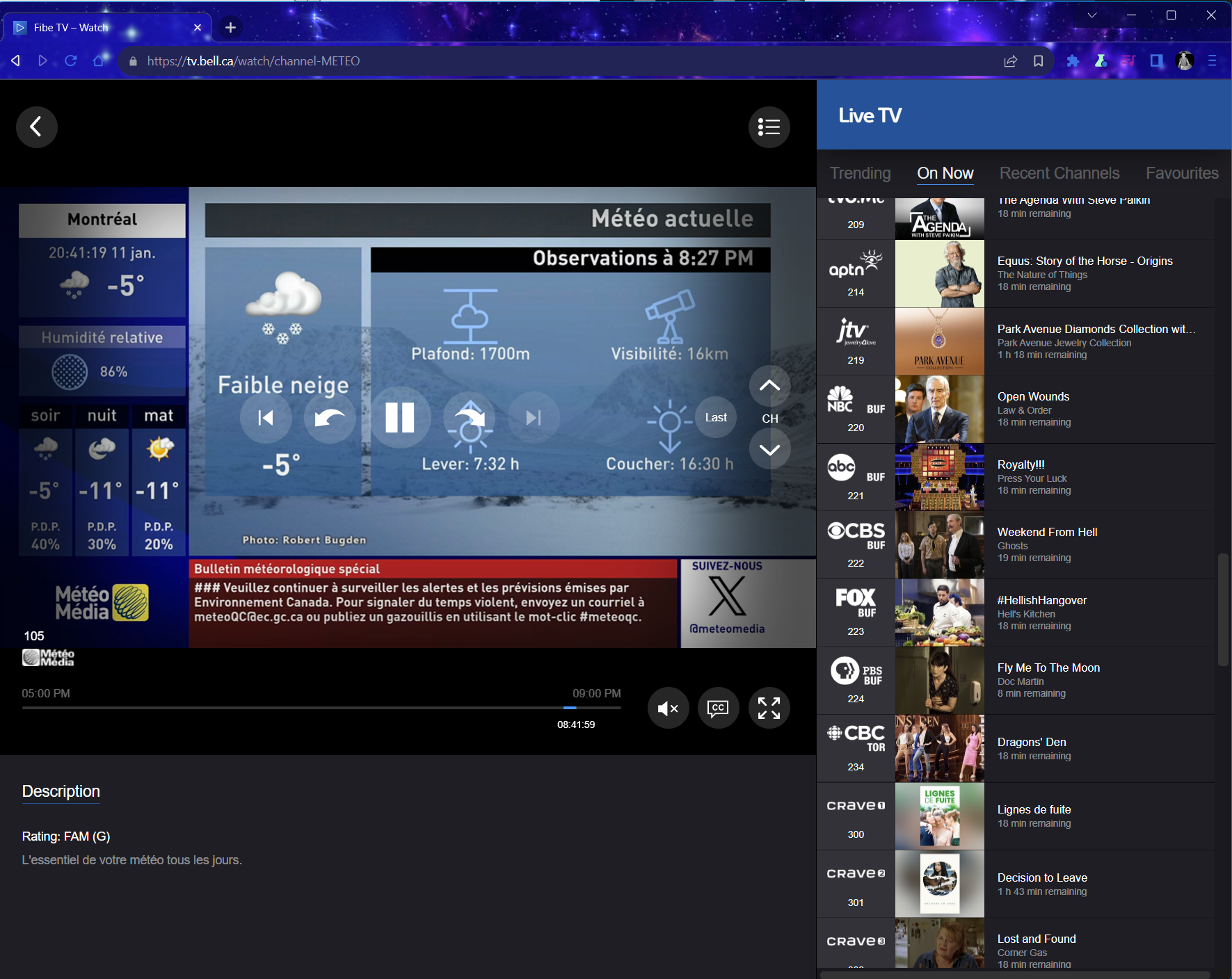
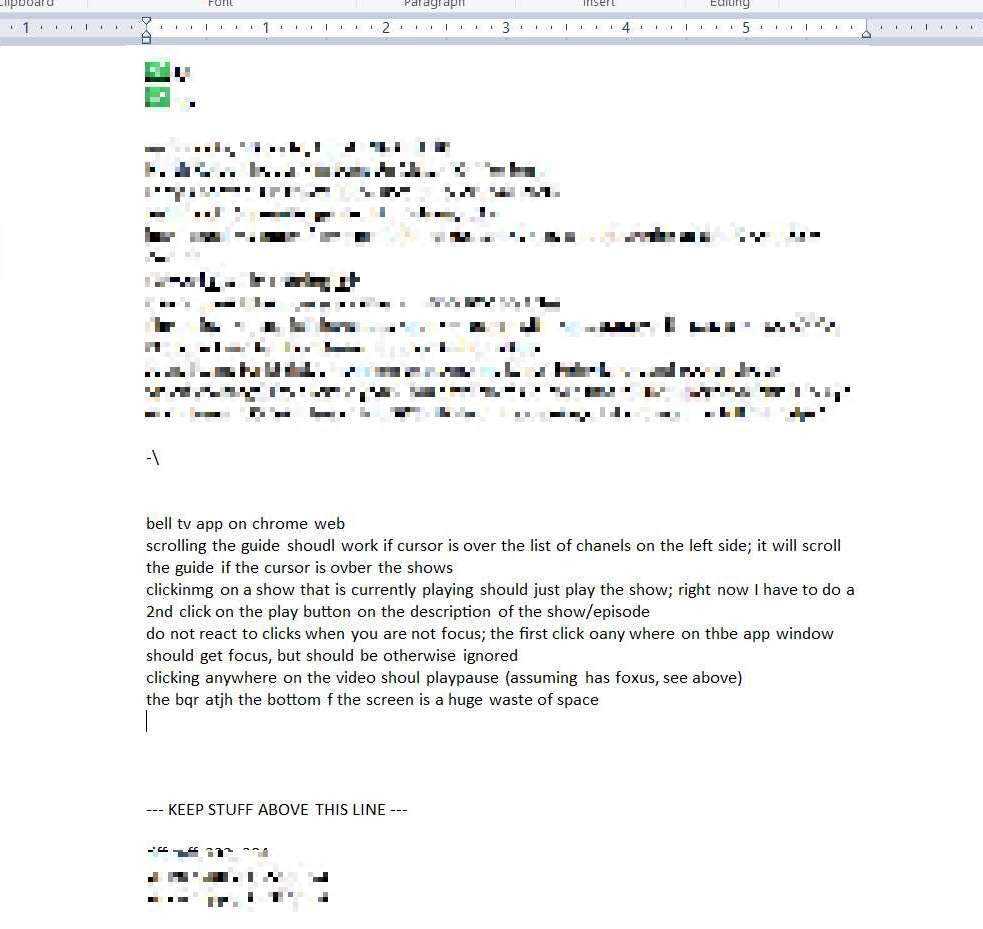
straight from s.o.c. file:
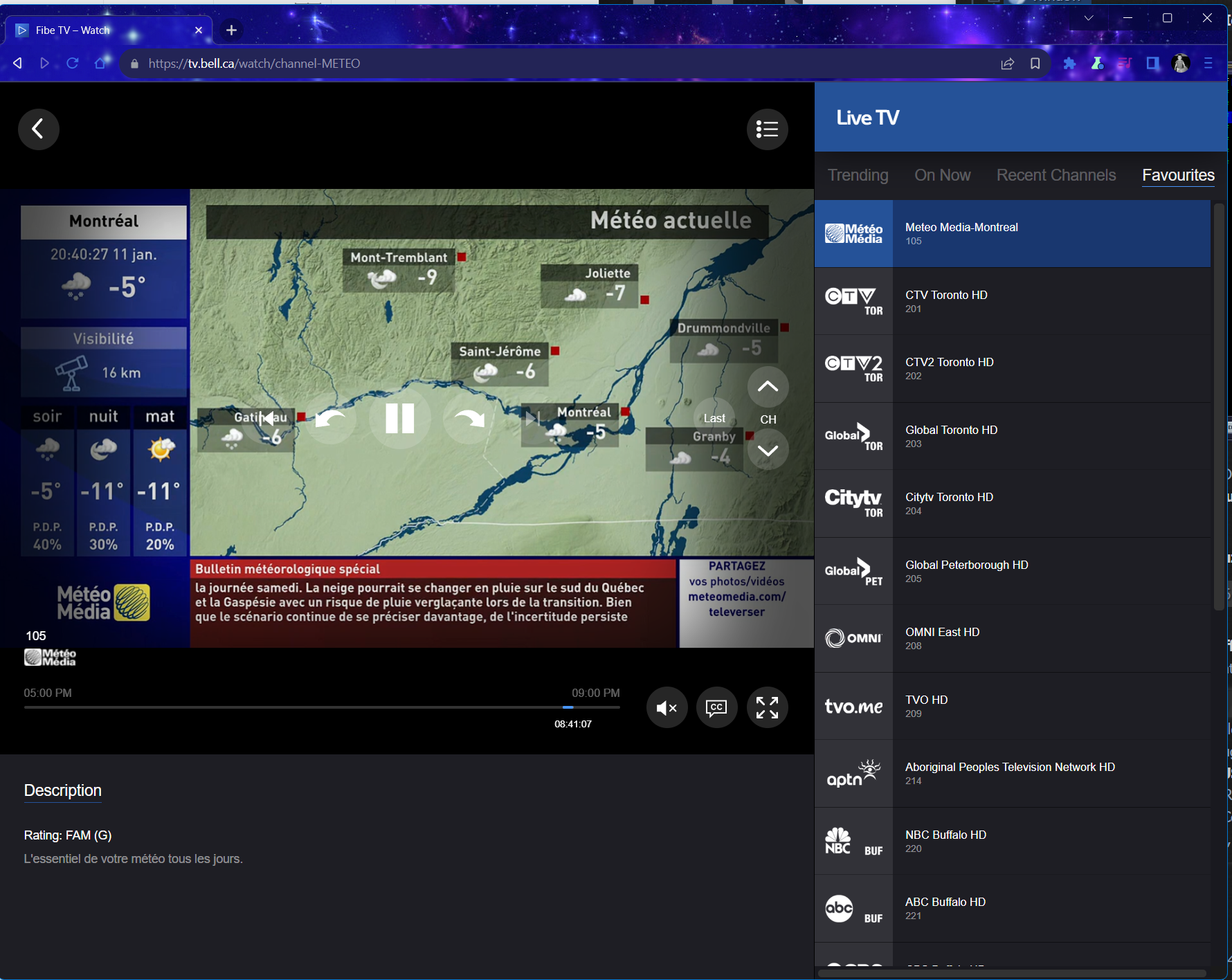
bell tv app on chrome web
scrolling the guide shoudl work if cursor is over the list of chanels on the left side; it will scroll the guide if the cursor is ovber the shows
clickinmg on a show that is currently playing should just play the show; right now I have to do a 2nd click on the play button on the description of the show/episode; do it like pressing the channel card/button at the left side
do not react to clicks when you are not focus; the first click oany where on thbe app window should get focus, but should be otherwise ignored
clicking anywhere on the video shoul playpause (assuming has foxus, see above)
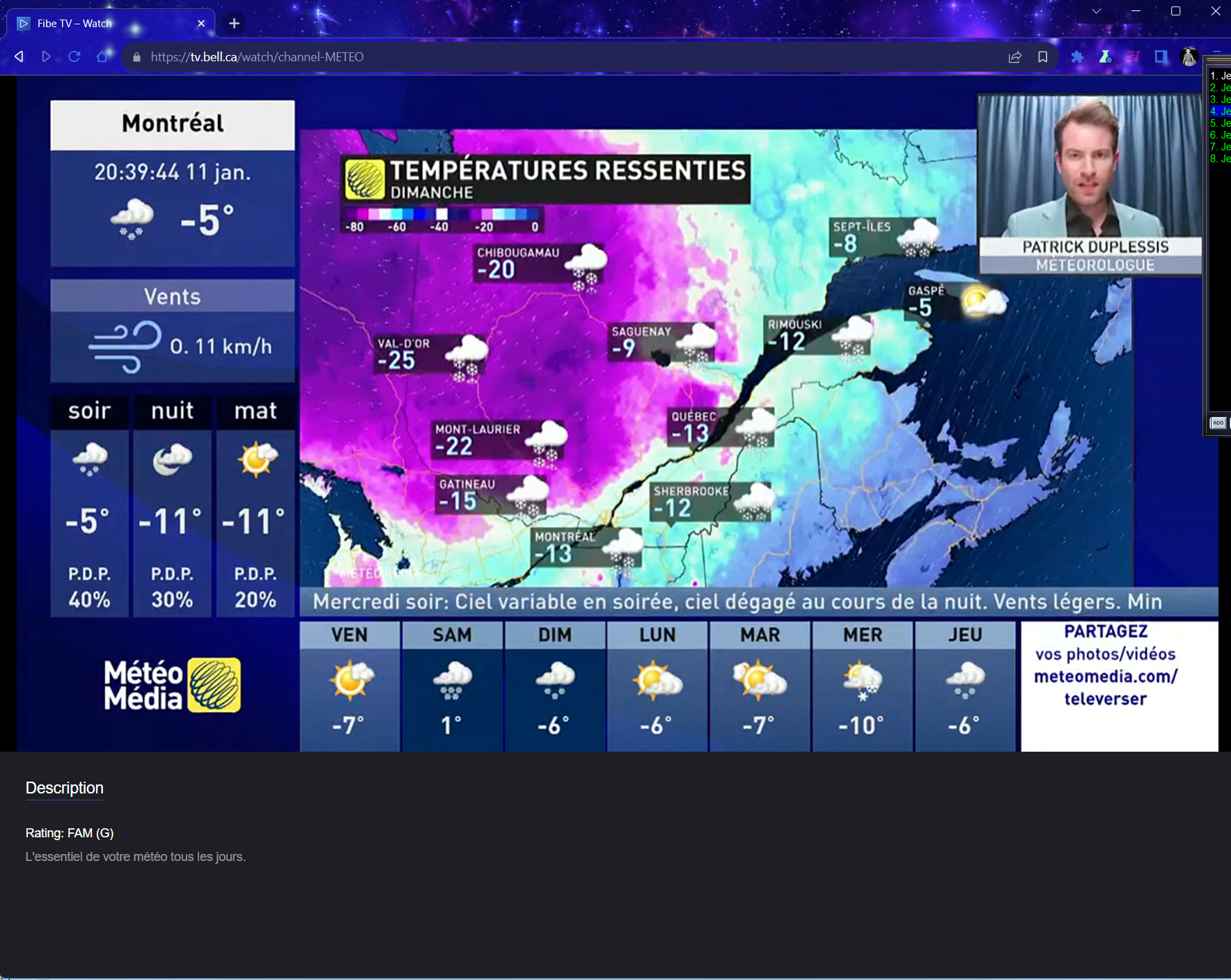
the bqr atjh the bottom f the screen is a huge waste of space
in the guide menu popuot from the right, the Trending is limited to my current filter, but On Now seems to be showing me all subscribed??, recent channels is limiterd to my filter, favorites is limited by filter, but
which show title of shows?
yes: trending, on now,
no: recent channels, favorites
fasbotiews: 21 marked
when clicking a popup dreewxrfiptn card, if i cvlick anywhere of the card, clse card as if i press the x
wtf is the share button on chanels and snhows. it’s the social media age, i am connected to the internet, so let me share!
whwere ios the “mark as fovorite” in the guide when I am showing unfiltered; not on the channel card/icon on the left, not in the card ifno popup when io click the show, not on the playing screen
double click should make fullscreen/toggle
make channel menu go away on double-click (switch to that channel and clear menup; single click can switch channel but leave emnu open.
snips and other supporting graphics (TIL Nvidea overlay thingy can take screen caps and rtecord the bell tv web player; normally it goes blabk when i screen snip, or it doesn’t gewt recorded with screencap. maybe nvidea overlay can record too? yes, it can.