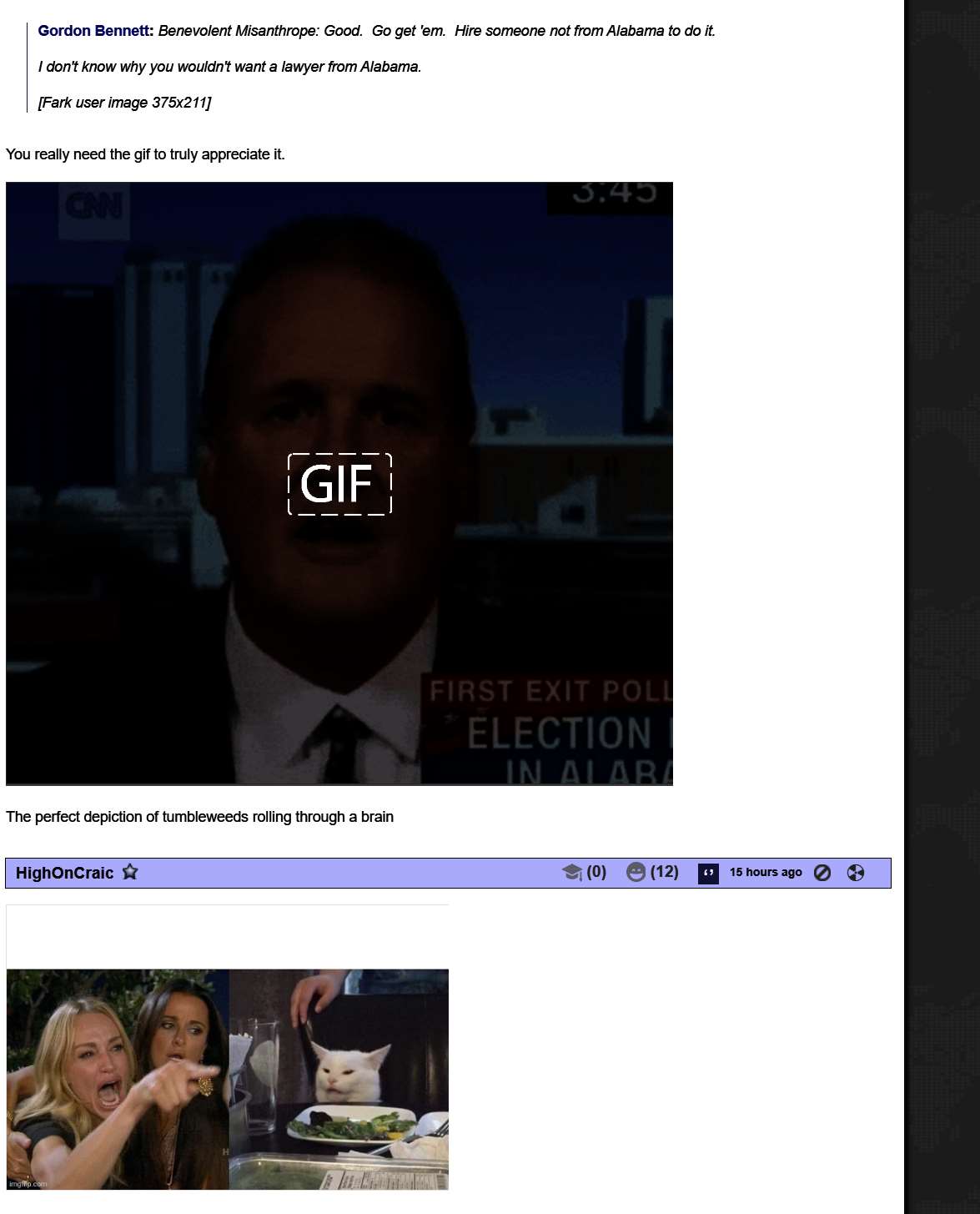
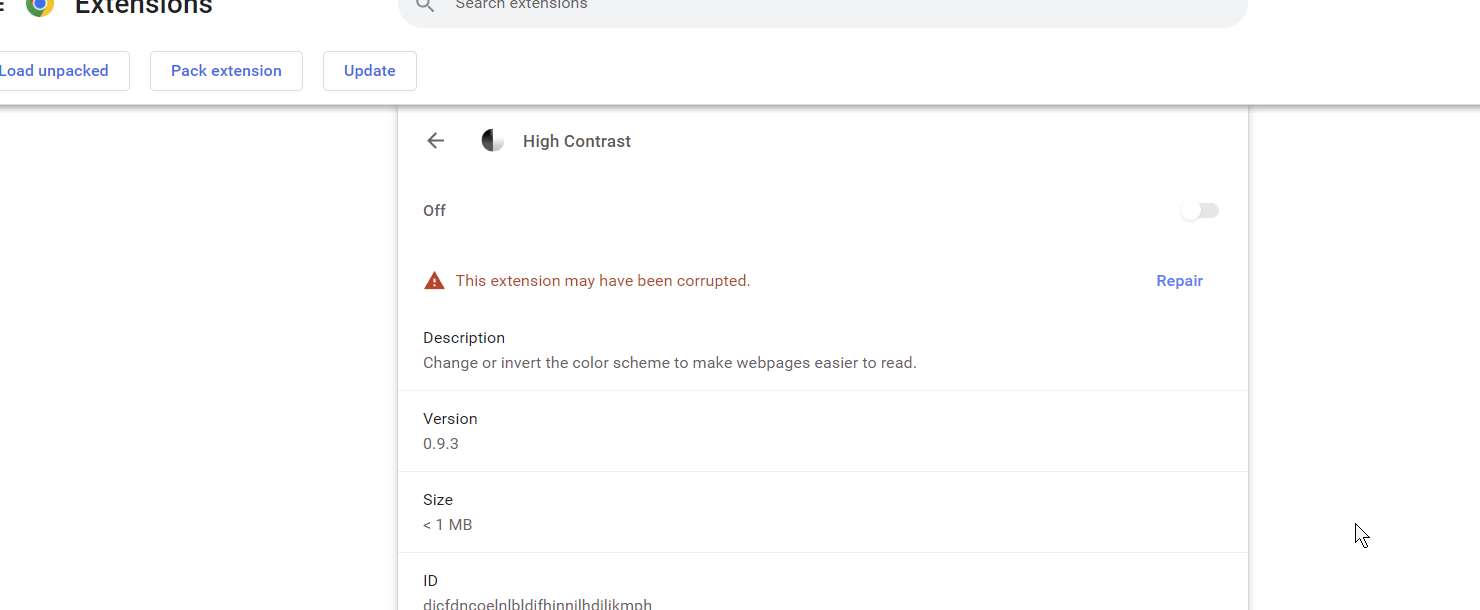
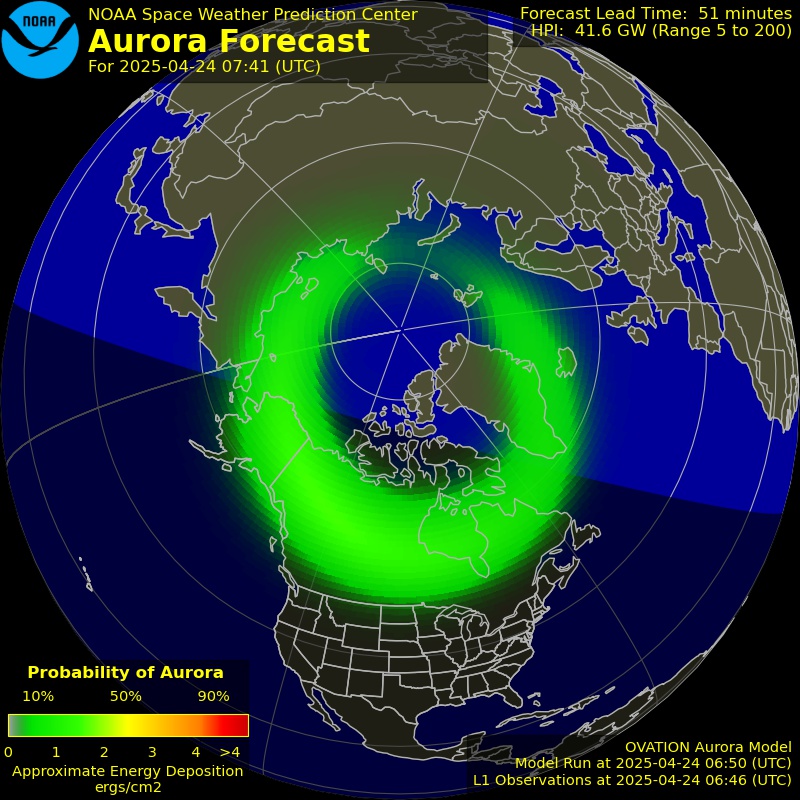
chrome high contrast extension is reversing images, or otherwise making some difficult to see; examples:
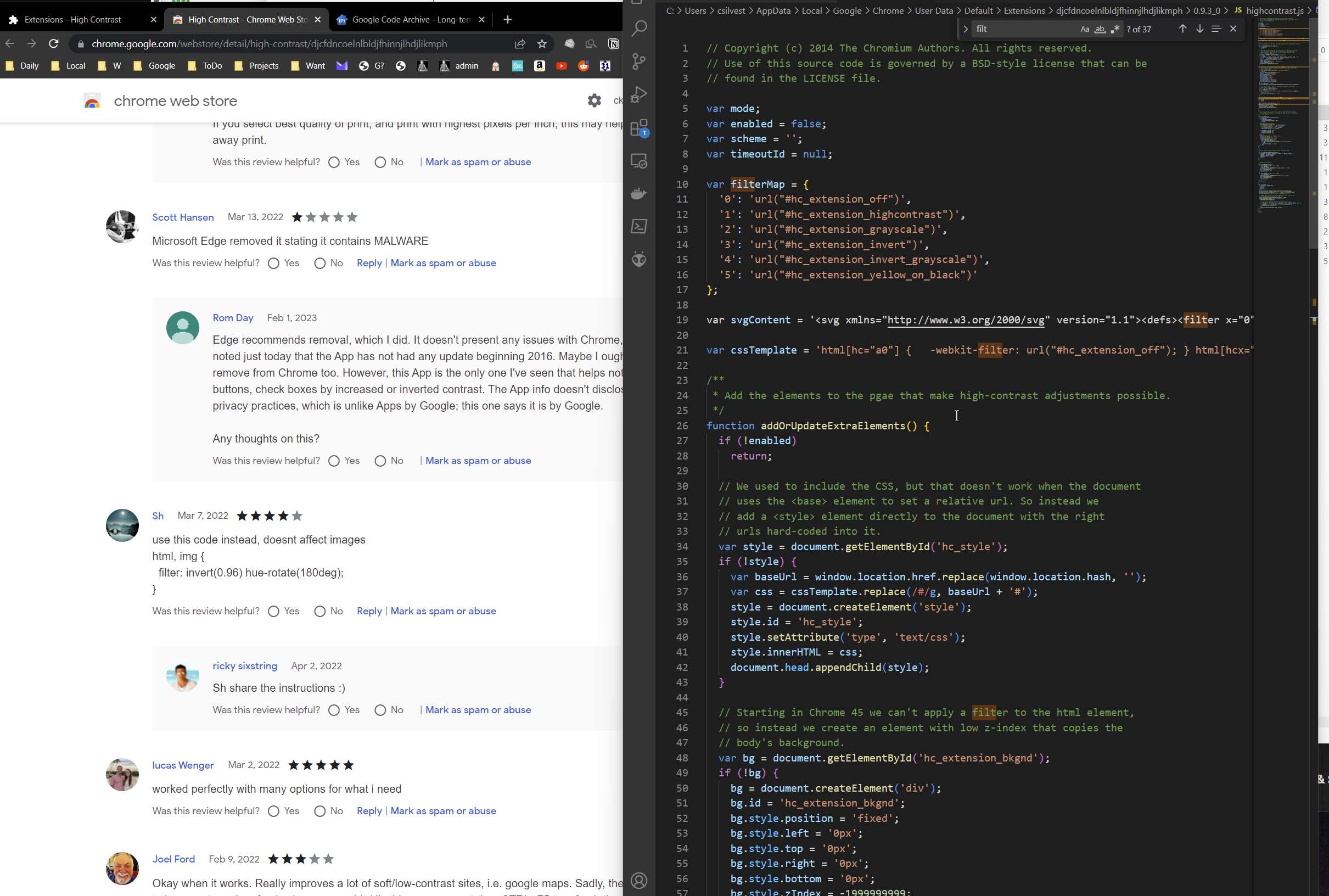
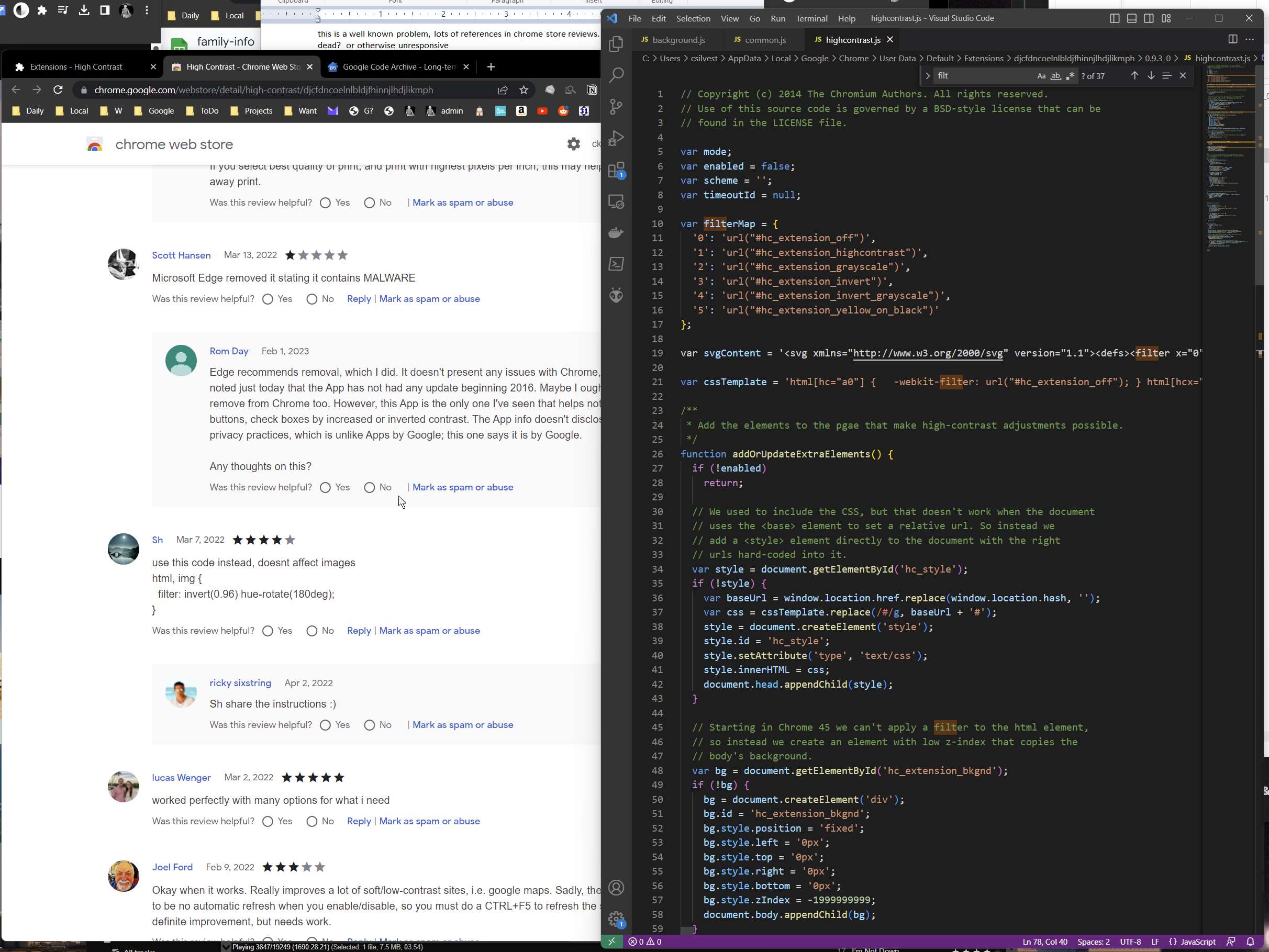
extension is in: C:\Users\csilvest\AppData\Local\Google\Chrome\User Data\Default\Extensions\djcfdncoelnlbldjfhinnjlhdjlikmph\0.9.3_0
this is a well known problem, lots of references in chrome store reviews. developer seems dead? or otherwise unresponsive
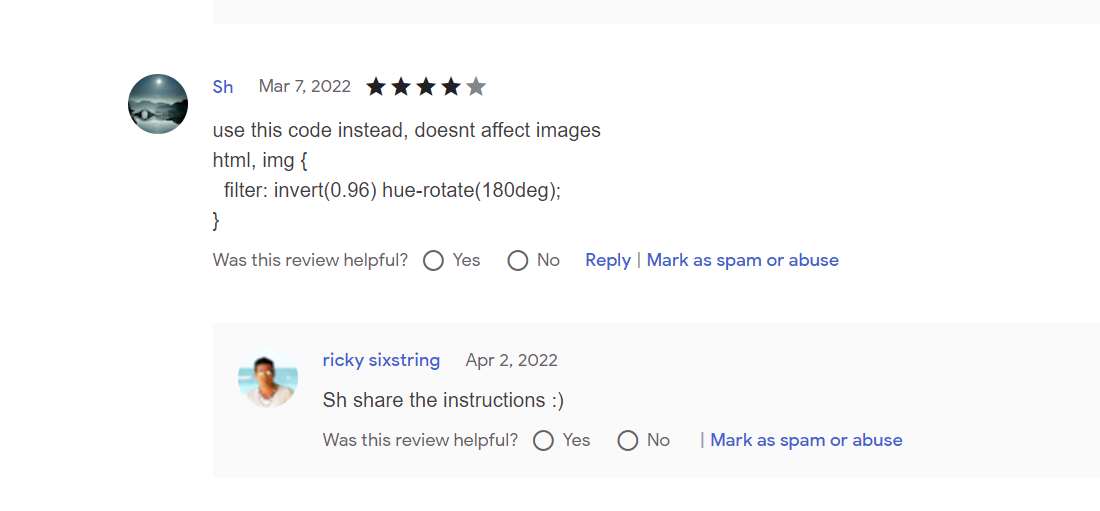
someone saad this:
but no idea wheret this goes; looks like javascript, so try to find in the .js files; no joy.
sadly, reading throught the three .js files doesn’t revesal how this would be inserted.
ythe extension claims to ignore “photos”, but it does. but no obvious way this is done in the .js files.
highcontrast.js has this interesting code; seems to be doing something with .jpg and .jpeg files.
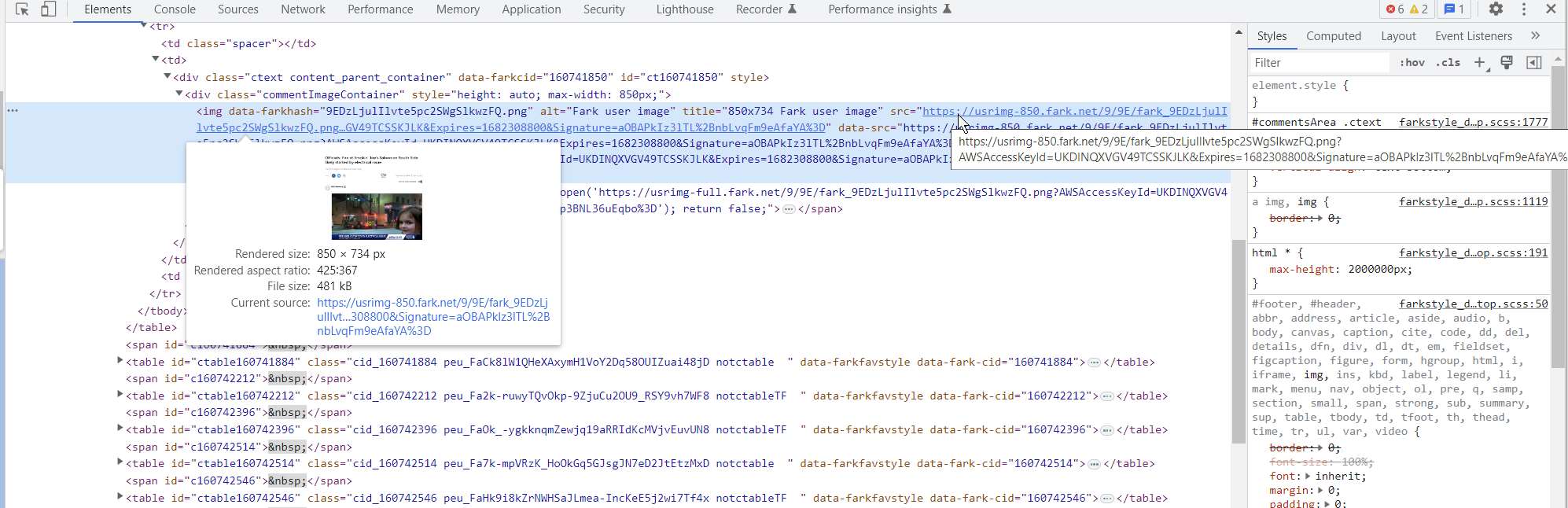
a quick check of a Fark page suggests .jpgs are handled (not reversed), but a .png is.
maybe repeat this line in the .js with .png
var cssTemplate = ‘html[hc=”a0″] { -webkit-filter: url(“#hc_extension_off”); } html[hcx=”0″] img[src=”png”], html[hcx=”0″] img[src=”png”], html[hcx=”0″] svg image, html[hcx=”0″] img.rg_i, html[hcx=”0″] embed, html[hcx=”0″] object, html[hcx=”0″] video { -webkit-filter: url(“#hc_extension_off”); } html[hc=”a1″] { -webkit-filter: url(“#hc_extension_highcontrast”); } html[hcx=”1″] img[src=”png”], html[hcx=”1″] img[src=”png”], html[hcx=”1″] img.rg_i, html[hcx=”1″] svg image, html[hcx=”1″] embed, html[hcx=”1″] object, html[hcx=”1″] video { -webkit-filter: url(“#hc_extension_highcontrast_back”); } html[hc=”a2″] { -webkit-filter: url(“#hc_extension_grayscale”); } html[hcx=”2″] img[src=”png”], html[hcx=”2″] img[src=”png”], html[hcx=”2″] img.rg_i, html[hcx=”2″] svg image, html[hcx=”2″] embed, html[hcx=”2″] object, html[hcx=”2″] video { -webkit-filter: url(“#hc_extension_grayscale_back”); } html[hc=”a3″] { -webkit-filter: url(“#hc_extension_invert”); } html[hcx=”3″] img[src=”png”], html[hcx=”3″] img[src=”png”], html[hcx=”3″] img.rg_i, html[hcx=”3″] svg image, html[hcx=”3″] embed, html[hcx=”3″] object, html[hcx=”3″] video { -webkit-filter: url(“#hc_extension_invert_back”); } html[hc=”a4″] { -webkit-filter: url(“#hc_extension_invert_grayscale”); } html[hcx=”4″] img[src=”png”], html[hcx=”4″] img[src=”png”], html[hcx=”4″] img.rg_i, html[hcx=”4″] svg image, html[hcx=”4″] embed, html[hcx=”4″] object, html[hcx=”4″] video { -webkit-filter: url(“#hc_extension_invert_back”); } html[hc=”a5″] { -webkit-filter: url(“#hc_extension_yellow_on_black”); } html[hcx=”5″] img[src=”png”], html[hcx=”5″] img[src=”png”], html[hcx=”5″] img.rg_i, html[hcx=”5″] svg image, html[hcx=”5″] embed, html[hcx=”5″] object, html[hcx=”5″] video { -webkit-filter: url(“#hc_extension_yellow_on_black_back”); }’;
indeed, replacing “jpeg” with “png” in that code makes .png files not reverse. so adding png to the list of extenstion to not reverse might work.
sent email to the “developer” email on the extension page:
Hi!
Re: https://chrome.google.com/webstore/detail/high-contrast/djcfdncoelnlbldjfhinnjlhdjlikmph
I think I have found a way to fix the often-mentioned bug where some images are revered whereas some are left alone. The instructions mention “… the only exception is photos, which are left alone.”, but this only applies to .jpg and .jpeg files; it doesn’t apply to .png files, and likely a few other types.
I believe line 21 of highcontrast.js is where these files are supposed to be ignored;l if I replace “jpeg” with “png” in that line, then .png images are no longer reversed (but of course, .jpeg files now are).
I believe the correct solution is to add “png” to this line. And maybe any other image file extensions.
Sadly, I am not a Javascript developer. Nor do I know how to make these changes permanent. I’m just a lowly end user who wants to fix things… 😄
Is there a place to submit bugs or feature requests for this extension?
Cheers!