A list of extensions I must add to Chrome. I feel naked without these. In reverse-cron order, newest added at the top for visibility.
TO-DO: make a post about each of these, expand to article-length?
2023-12-11 – OMG! run, don’t walk, to install Text Blaze. wicked powerful text replacement tool. way better than AutoHotKey. this is another reason I want everything in a web browser, since a tool like this should be system wide which is also available… hopefully uses the same configuration? or maybe use the Windows app version for everything? right now I have both installed.
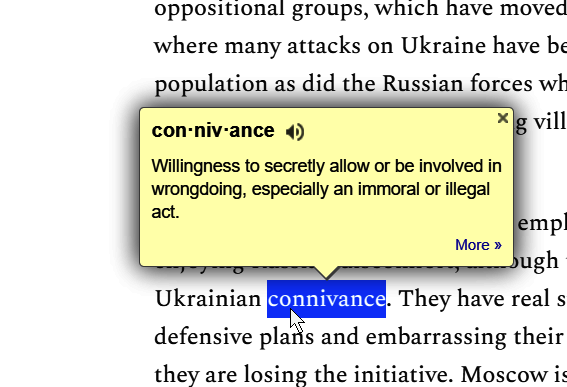
2023-06-08 – added Google Dictionary. 2click a word and automagically Chrome does a definition lookup and pops it up above the word. Brilliant!
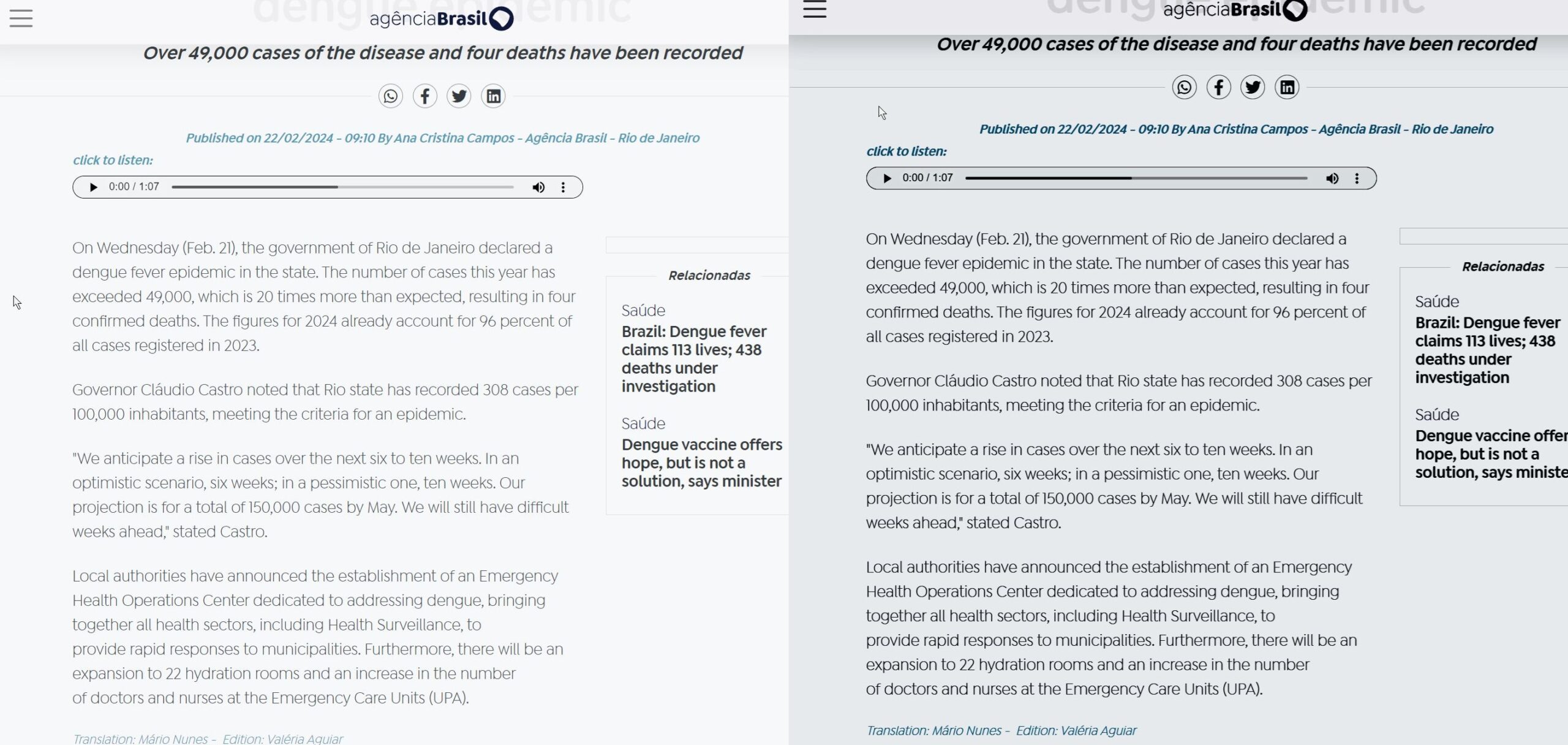
Hover Zoom+– takes a while to get used to it, but really speeds up browsing images. Can be turned off for most sites and enabled for specifics, or just get used to not hovering mouse over pics where you find it annoying. Examples:

Tabs Outliner – like a continuous easily accessible history; best part is all open tabs saved n crash or power cycle or whevs. Takes some getting used to. Currently dealing with a huge bug, but I wont stop using. Or can’t. whevs.
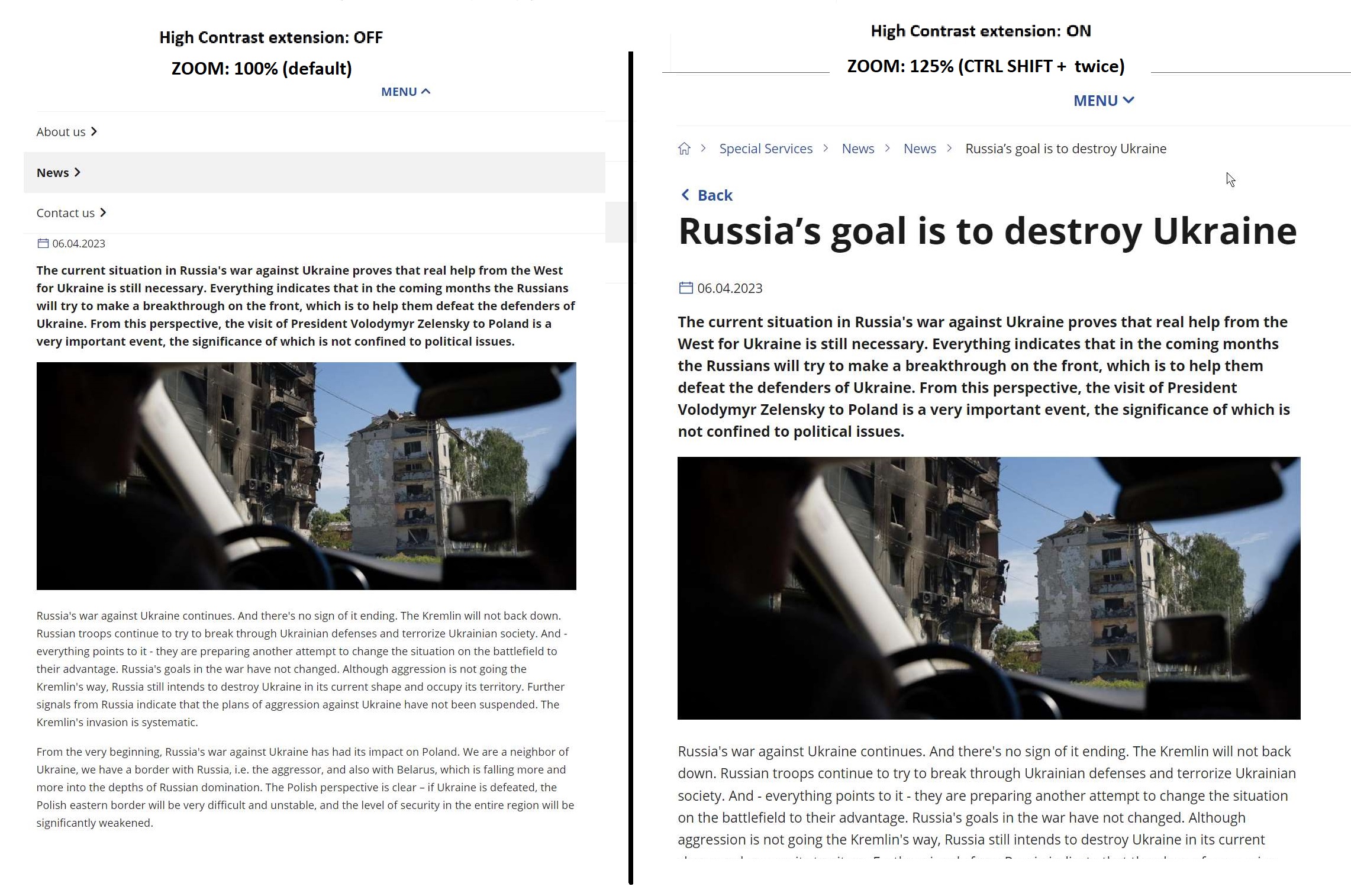
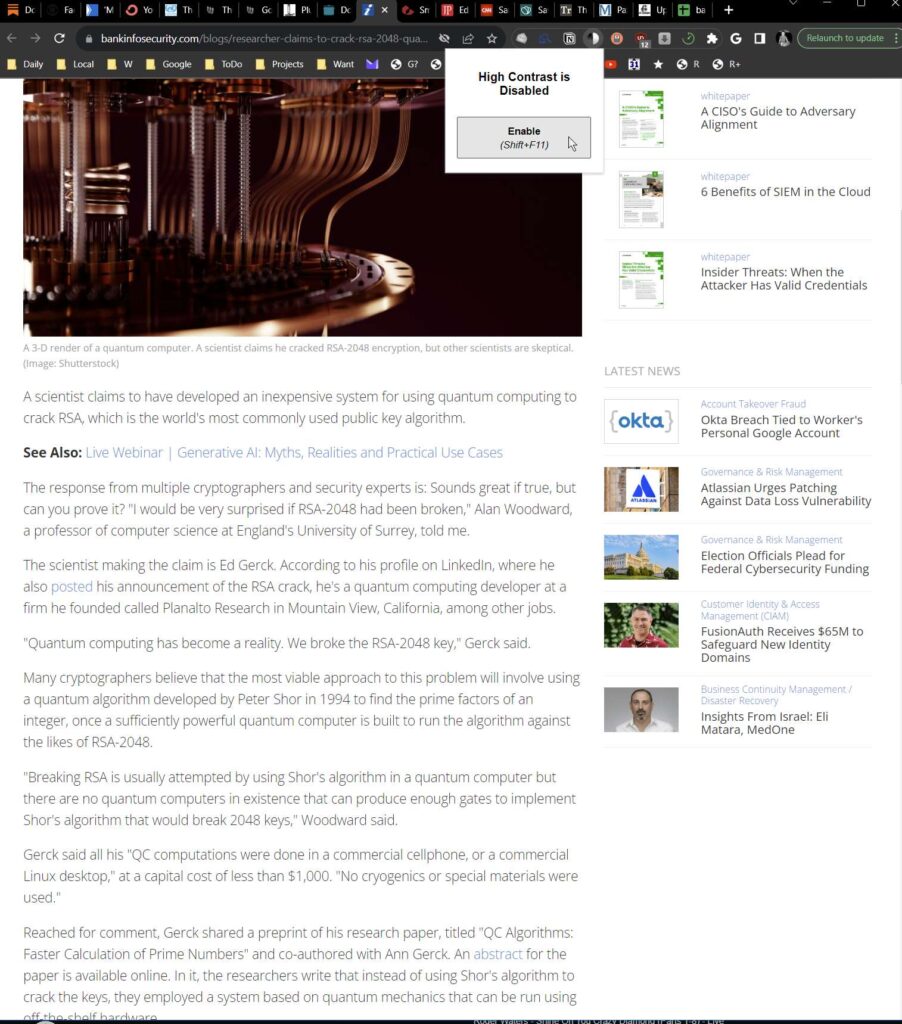
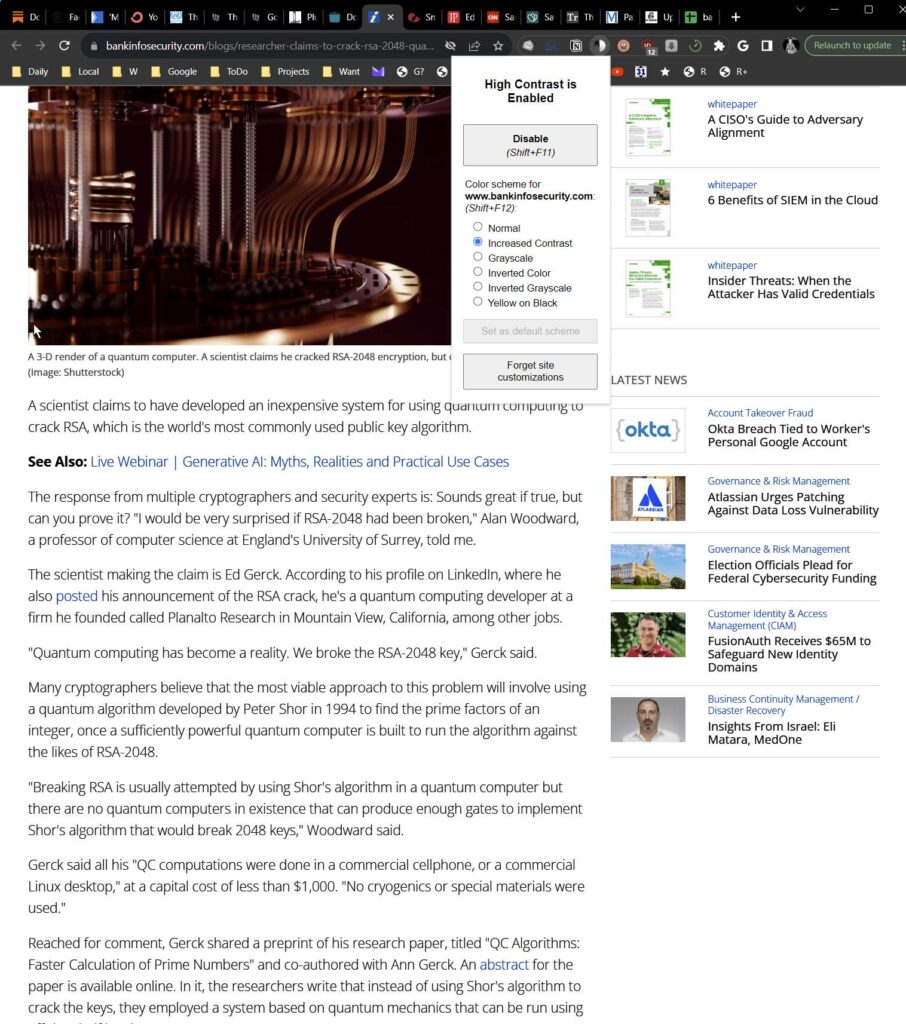
High Contrast – override the graphics designer brain farts (grey text on a light grey background is readable?) Allows you to override, on a site-by-site basis, the font & page colours; usually just makes these black on white.
2023-04-17 – there is a way to make this extension show pics better.
Examples:

Share link via email – have you ever wanted to send a page to someone? This extension will do it with one click. Also better than using the “Send this article to a friend…” link on many websites, since this extension is faster (one click and your local email client is invoked, with all but the address field filled out), and does not give the website your emailee’s address.
uBlock Origin – how the hell does one browse the modern web without a good adblocker? This is one of the best. Combined with a PiHole or similar.
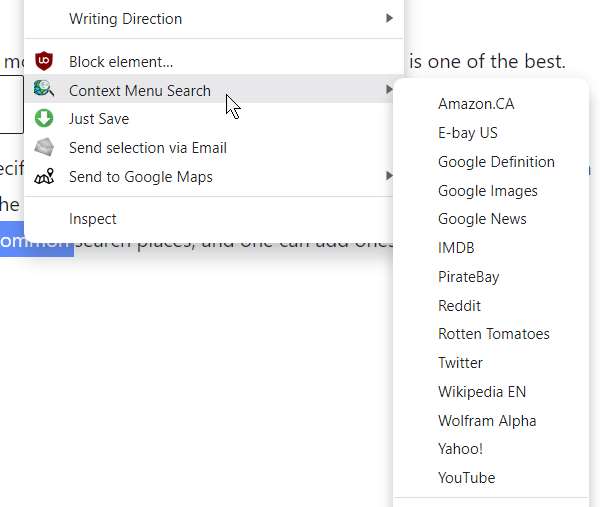
Context Menu Search – send selected text to a specific search; instead of starting with a Google search (Choime has a “Search for <selected text> on Google.com…” in the context menu), do the search where you want (Wikipedia, Amazon.CA, Google Maps, etc.); has most of the common search places, and one can add ones own. Mine looks like so:
Notion Web Clipper – a 2-click way to put a web page into a Notion database. Allows me to quickly save things as I come across them, with nothing more than 2 clicks; these links end up in the My Links table, which I can browse later and deal with them; this might even be a better way than having so many tabs open?
As of Chrome Version 111.0.5563.148 (Official Build) (64-bit) or ~3 months earlier…), there is now an “efficiency” mode. needs investigating, since memory problems was my reason for switching to Midori for my constant YouTube habit. (links)?


I’d love to add all of these extensions, how do I get them on?
I should add links to each of them.
Install in the Chrome hamburger menu, Settings, Extensions. Type the name of the extension. Or something like that.