my notes from s.o.c. file:
— 2024-08-08 – Thursday – gave up on 1st attempt at Win7. couyld not get WiFi or display adapter to install
so, fresh Win7 Home Pro 64-bit, windows generic
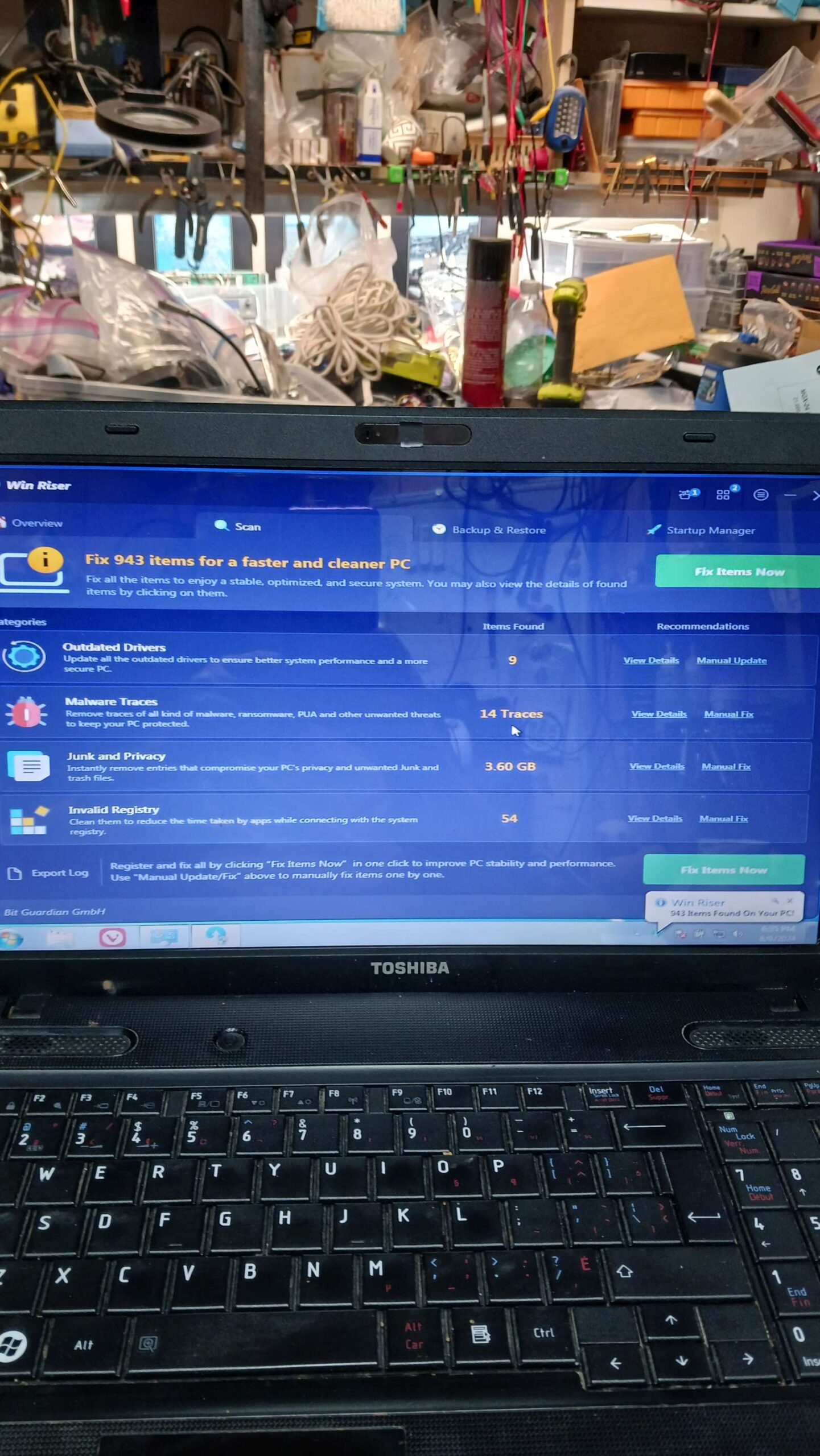
try running WinRiser???, seems to be a well-respsect altoguh annoying due to try to upsell to pro version; maybe it can get the right driversd in stalled. nope, doesn’t do squat; removed
atheros ar81 family giga/fast ethernet adapter; tc50081900b.exe; works
realtek? wifi? – install tc50081800a.exe – but doesn’t seem to install
try atheros WLAN driver tc00346200b.exe – but doesn’t seem to install
try broadcom WLAN driver tc50082200a.exe – but doesn’t seem to install
for these three drivers, they extract OK, then something launches, but dies with no message; task manager -> processes shoes 3 processesses start but then all 3 dies, no message
if aI go to the dire that these 3 extract themselve ..user\appdate\temp\…, i can start the driver install broadcom, reboot, no good, no wifi,
install realtek, reboot, no good, no wifi
install altheros, reboot, no good.
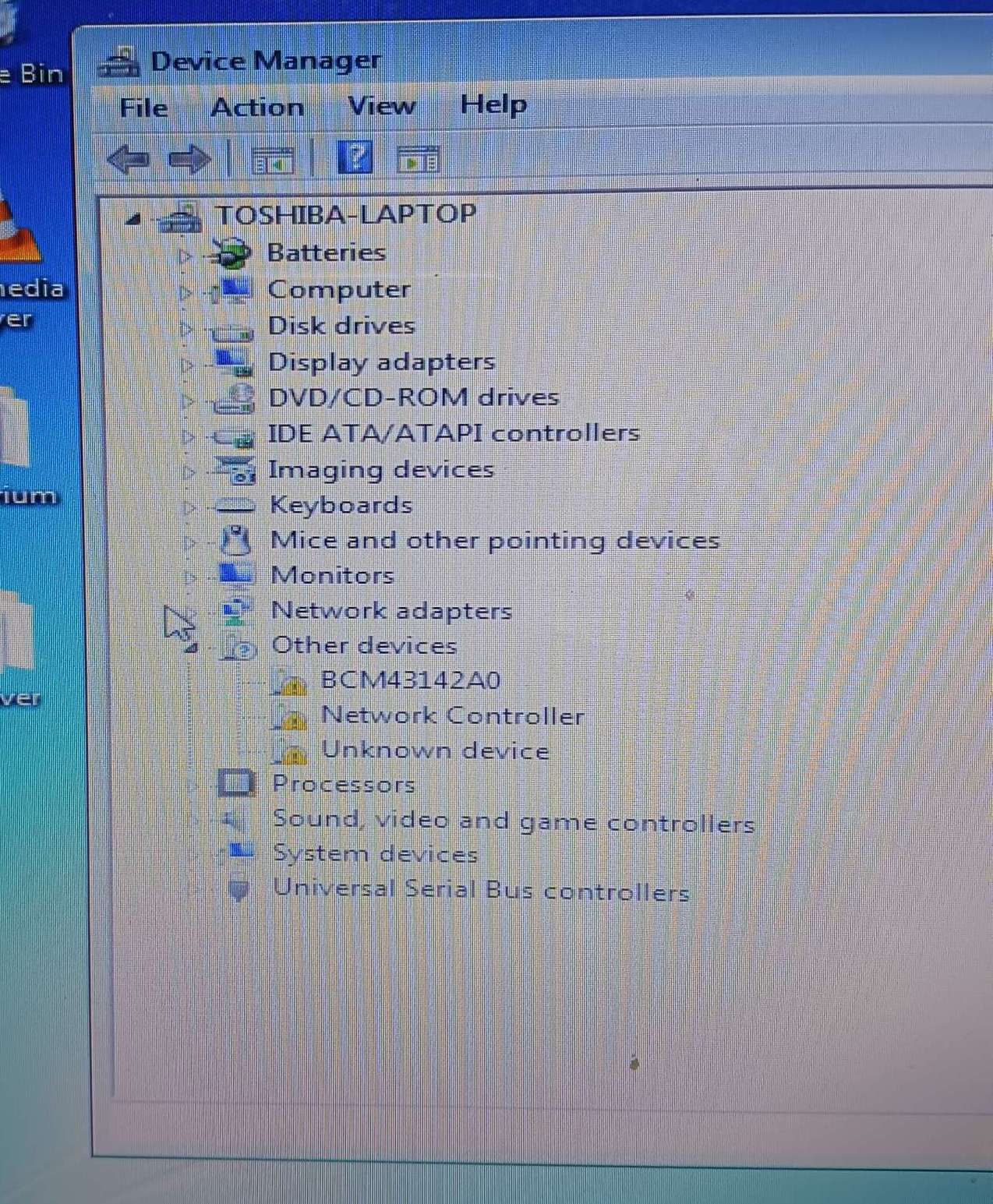
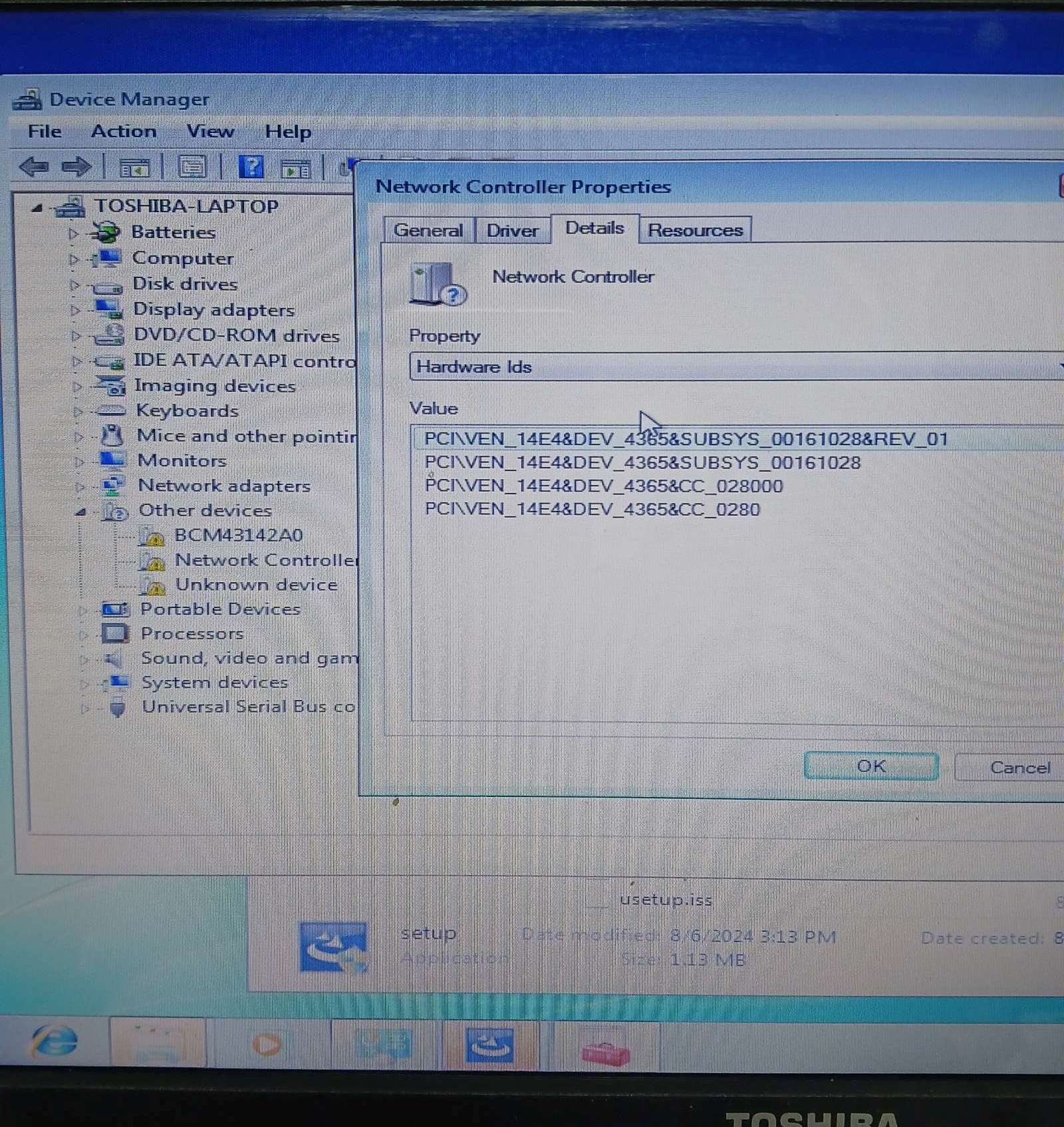
ffs, what is the correct driver? by gooing to the hardware_id of the prtoperties for the unknown “Network controller”, the PCI id is:
pci\ven_14E4&dev_4365&subsys_00161028&rev_01
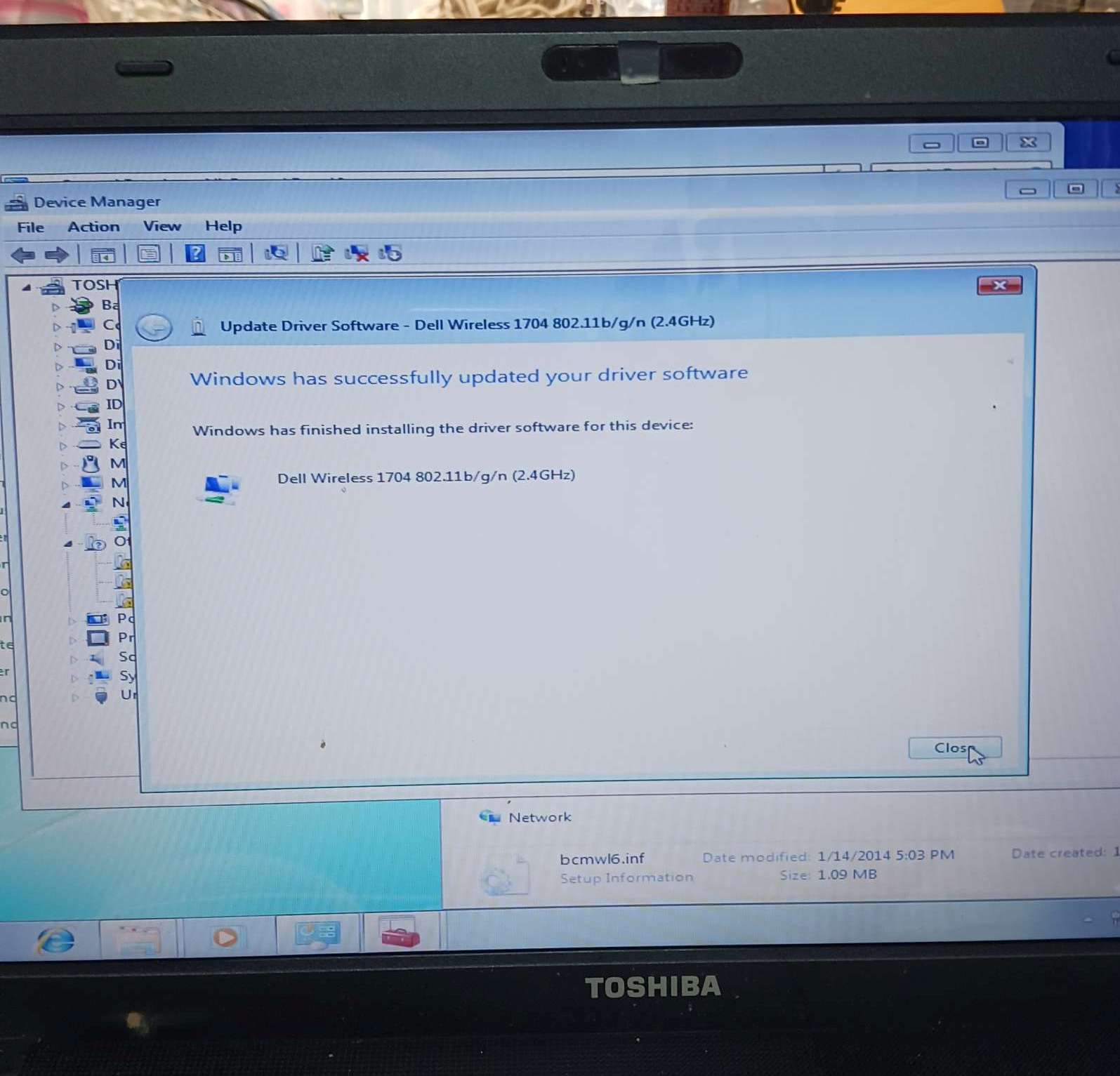
a google search for this insists it is a Broadcom chip; got a Dell verision from DriverPak (https://driverpack.io/en/hwids/PCI%5CVEN_14E4%26DEV_4365%26SUBSYS_00161028?os=windows-7-x64), installed and works!
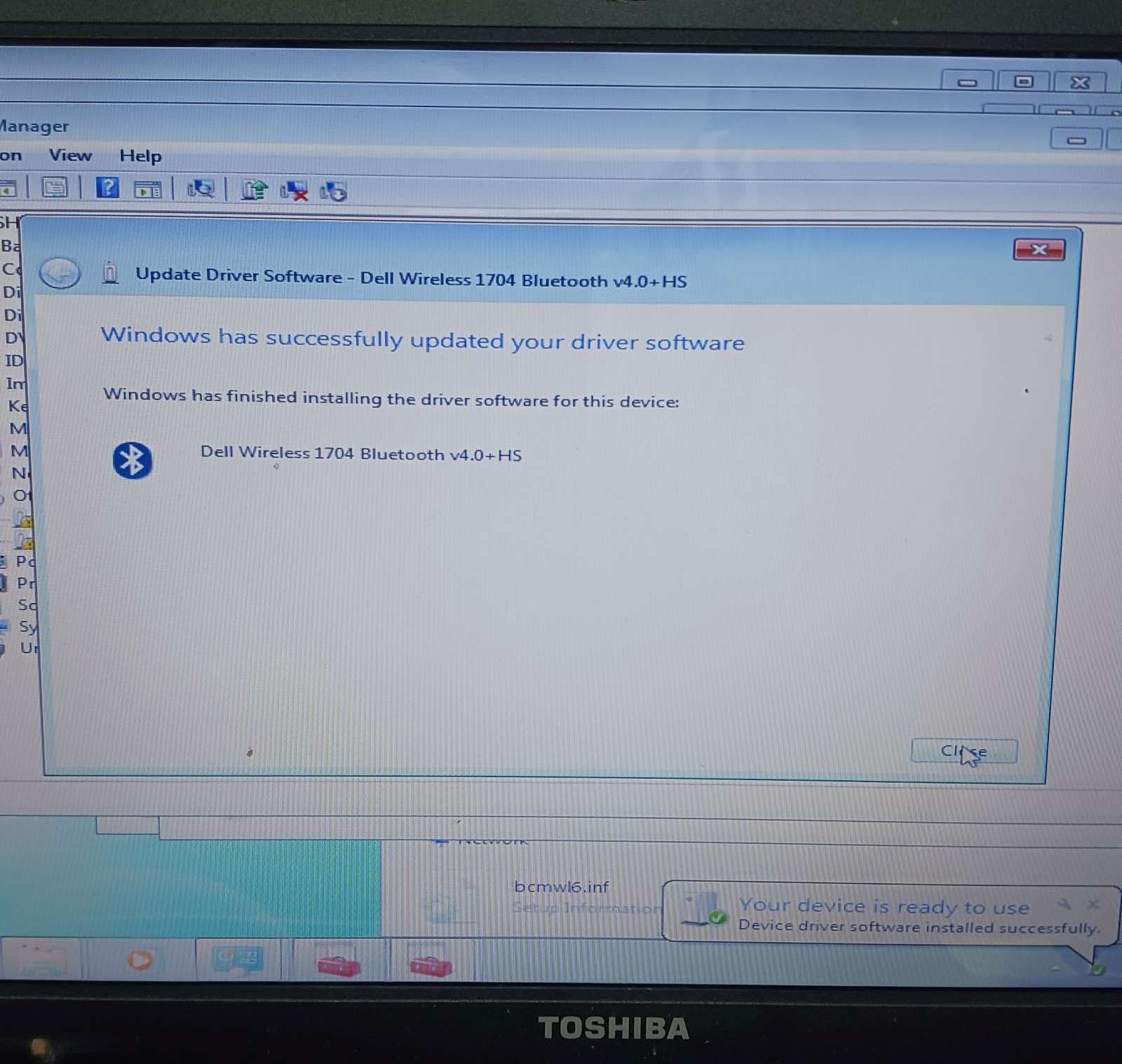
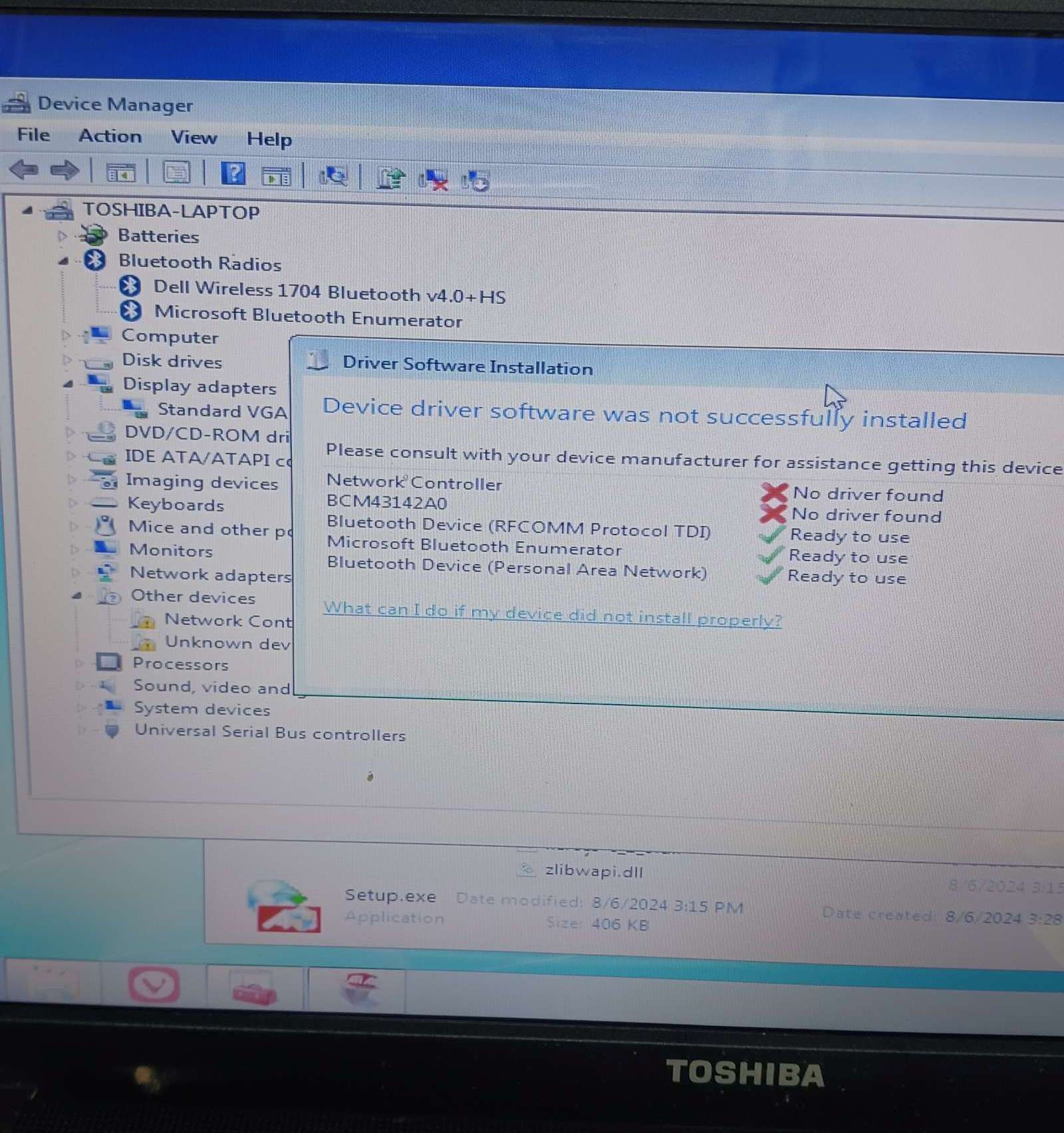
what is BCM43142A0? bluetooth, find this driver (broadcom_bluetooth_12_0_0_9980.zip), install, seems to install good, is Dell 1704 Bluetooth; seems to work, connect to my brother laser & printed (sorta; did not install “WSD Print Device”)
what is “Unknown Device”, pci id is “ACPI\TOS6205”
Bluetooth ACPI from TOSHIBA drivers – works, is a Bluetooth monitor
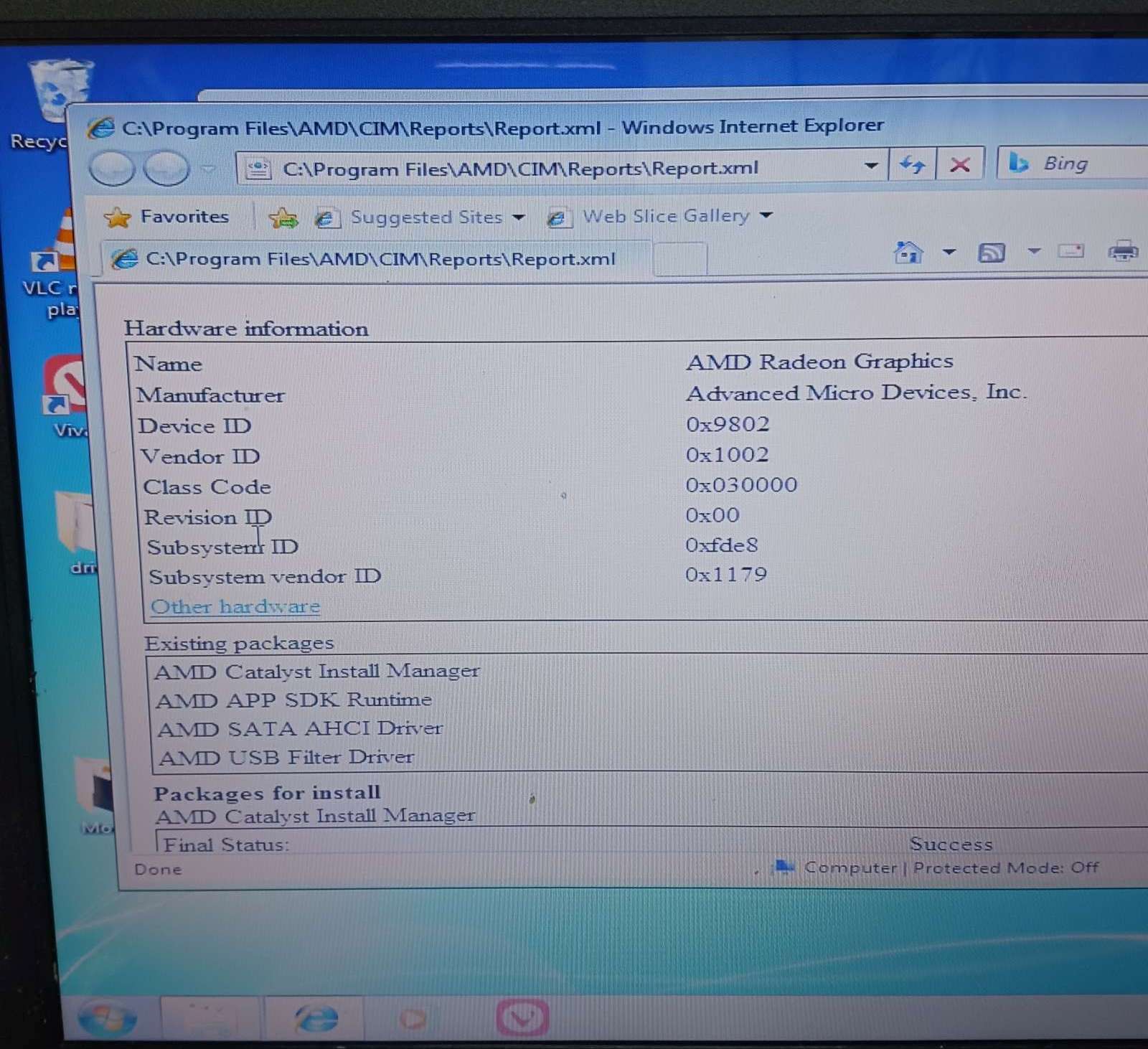
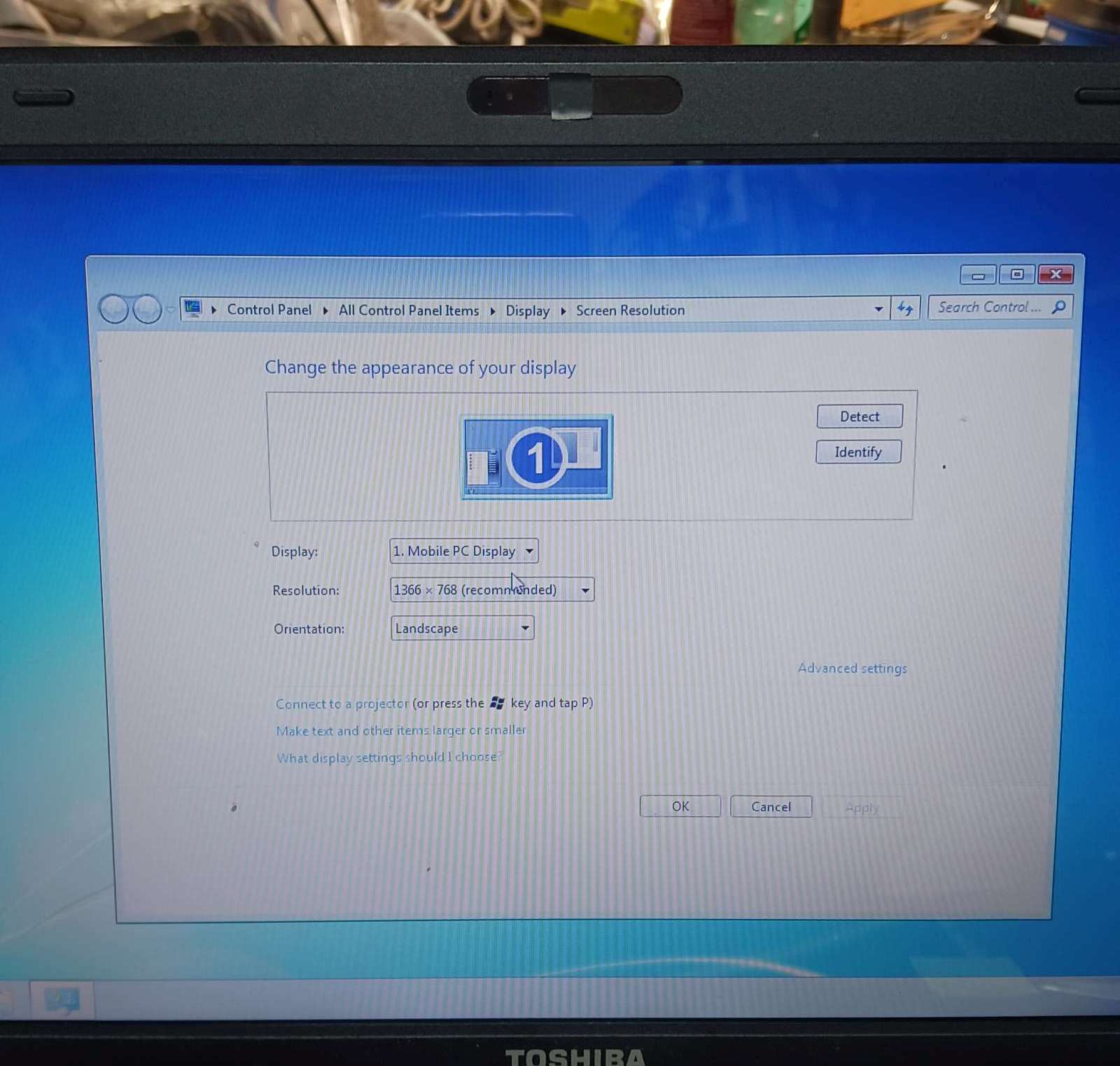
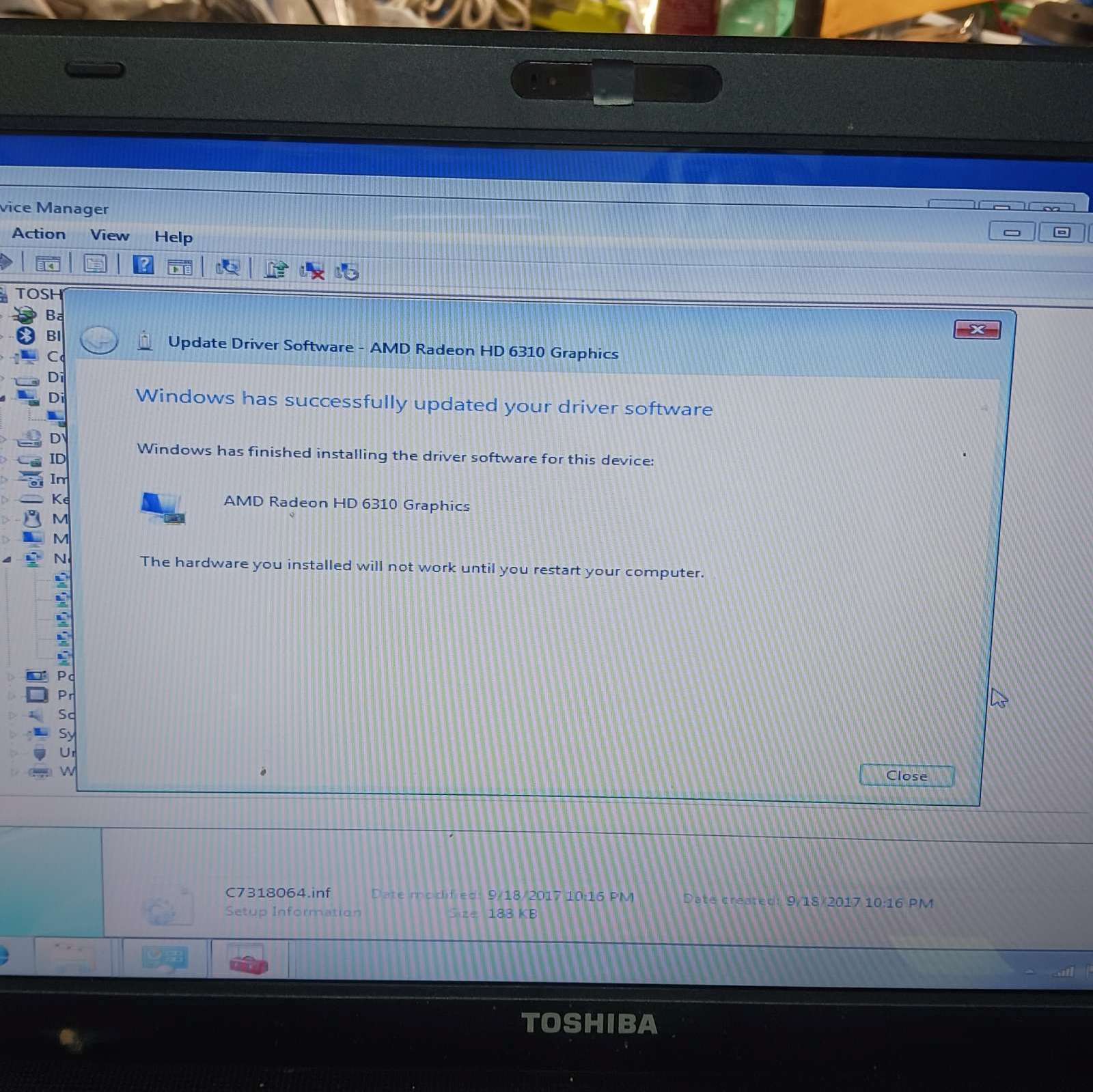
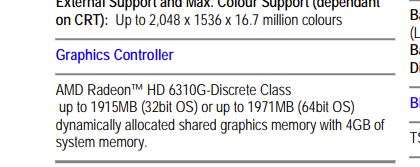
only remianin g problem is disdplay driver; currntly 1024×768 is max (and doesn’ty match screen 1366×768?); pic id: PCI\VEN_1002&DEV_9802&SUBSYS_FDE81179&REV_00
install amd catalyst install manager, then
monitor\lgd02dc
,
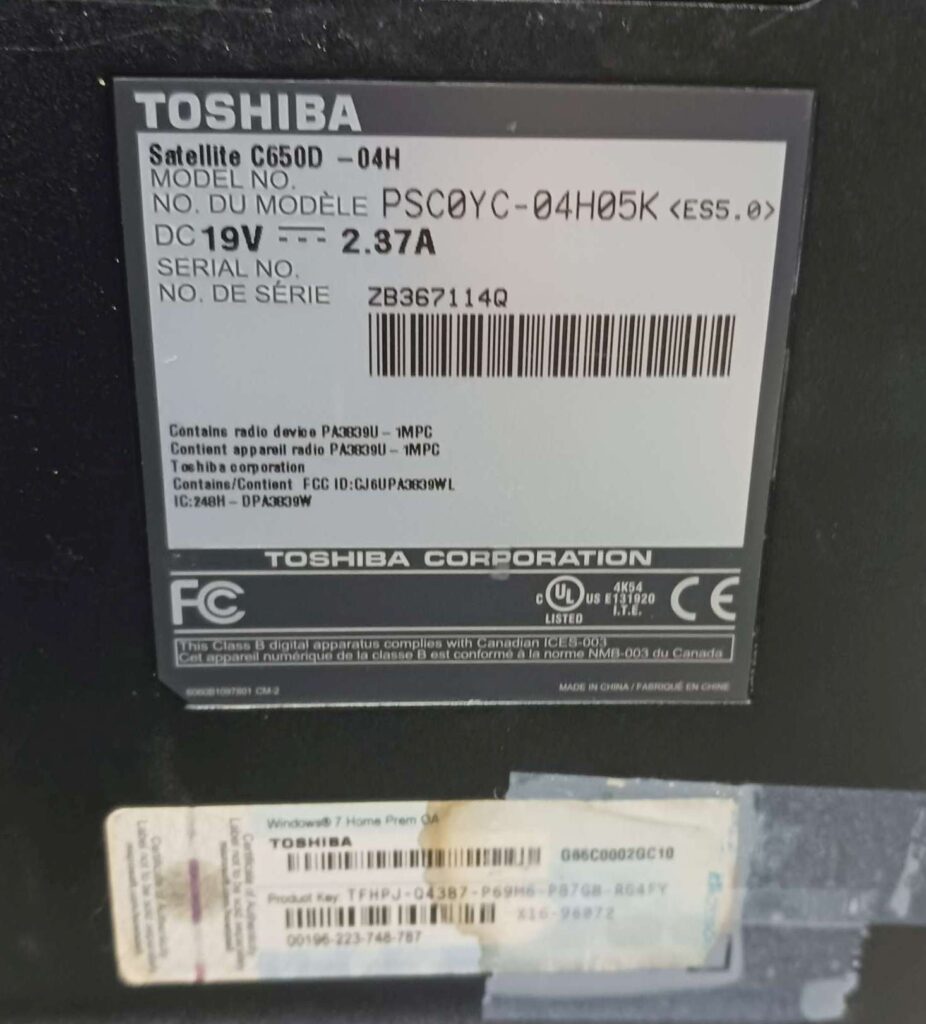
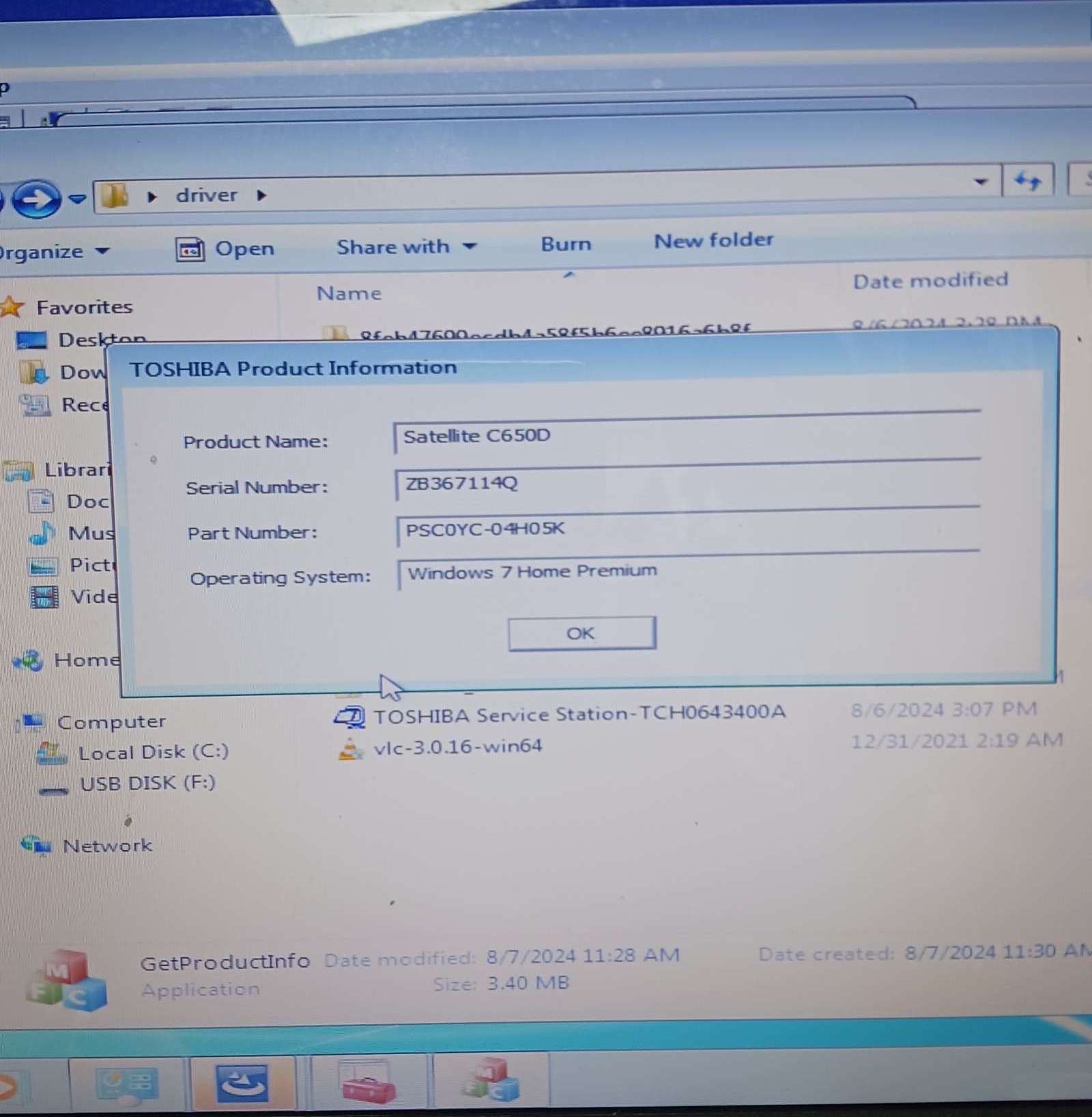
kelly’s Toshiba ???
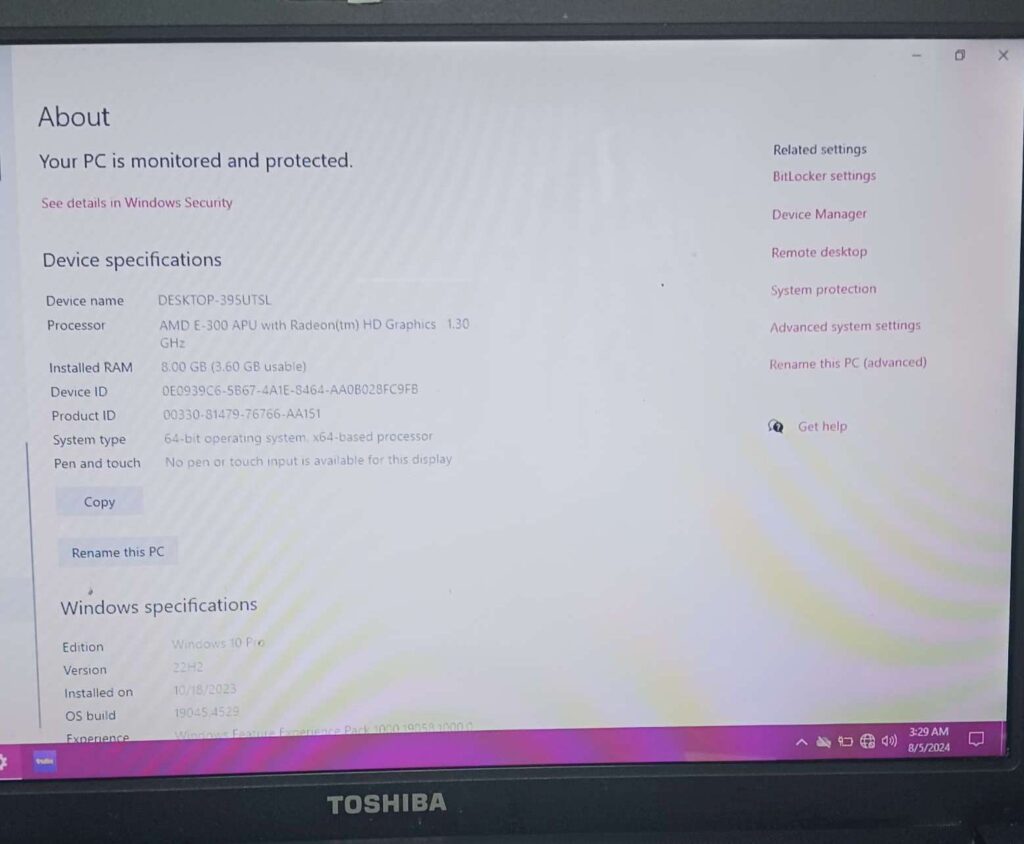
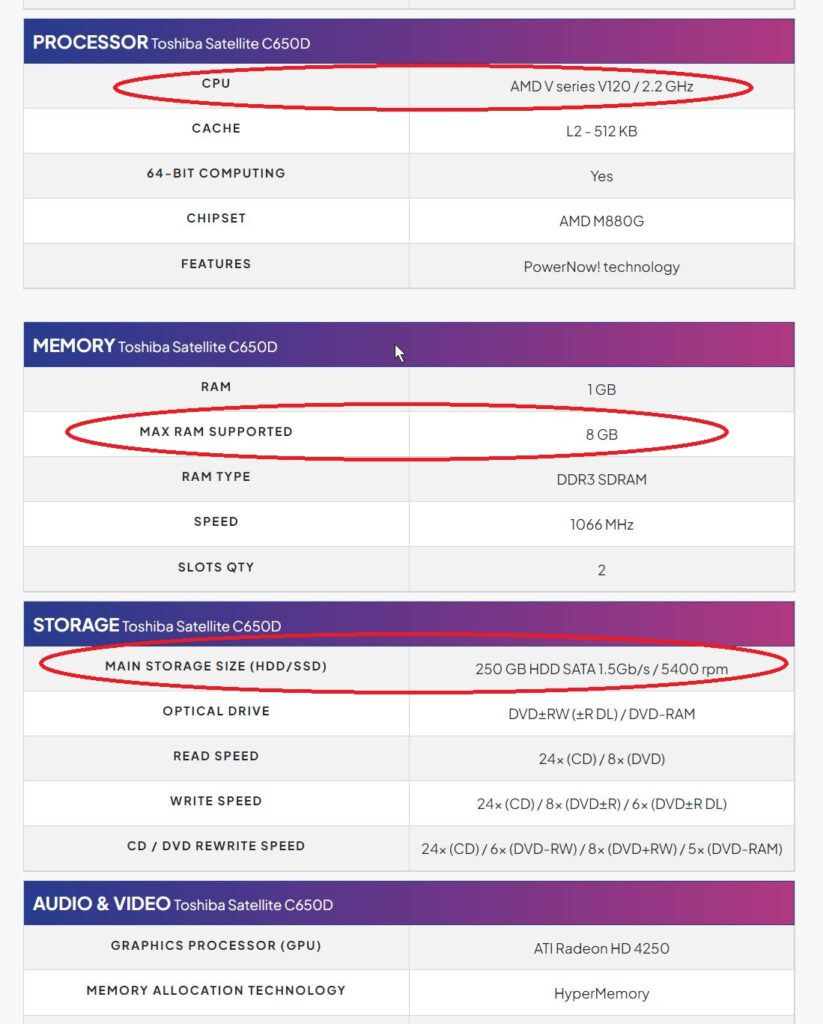
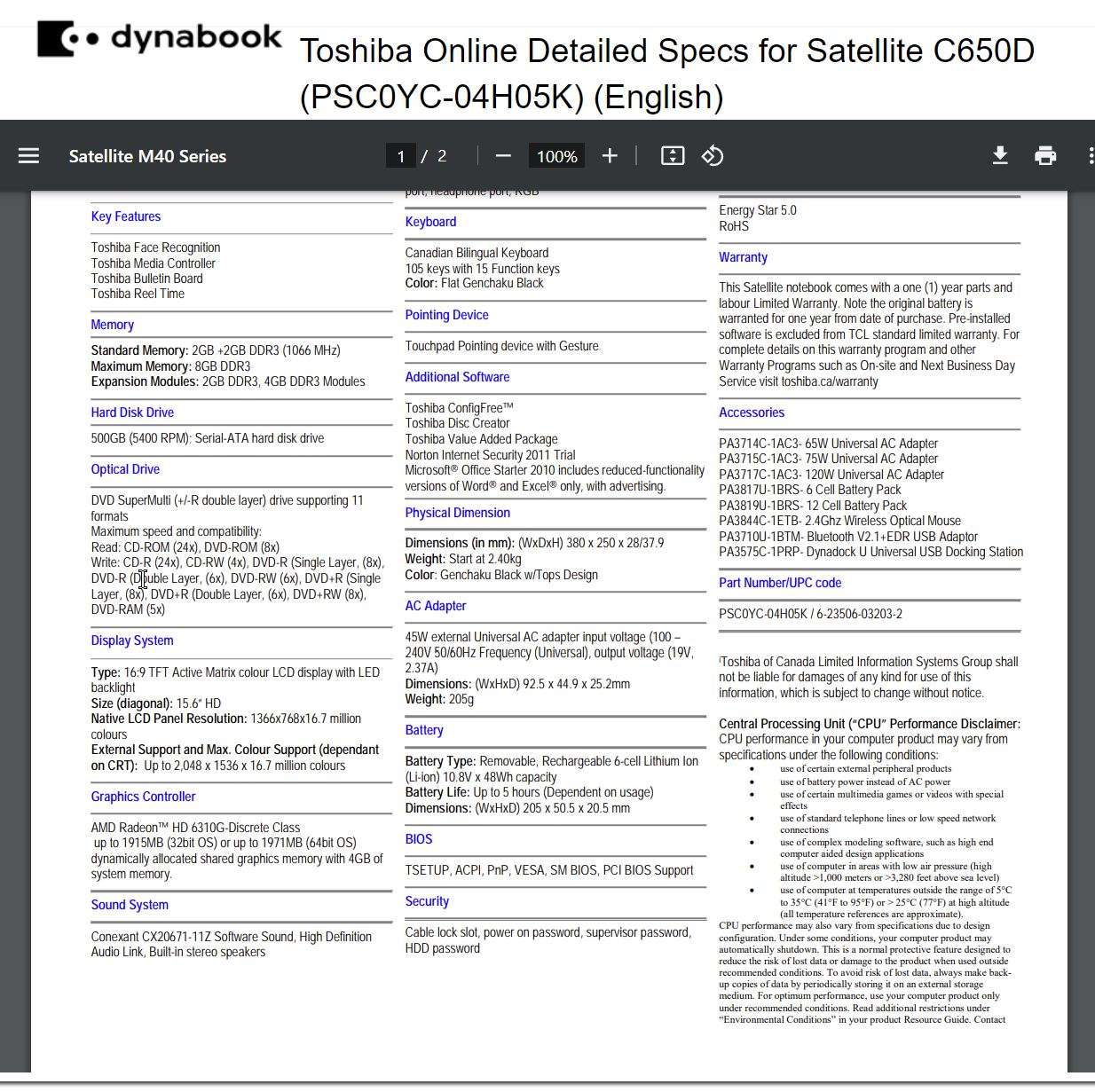
8gb ram; is max. per spec; 2 slots x 4GB.
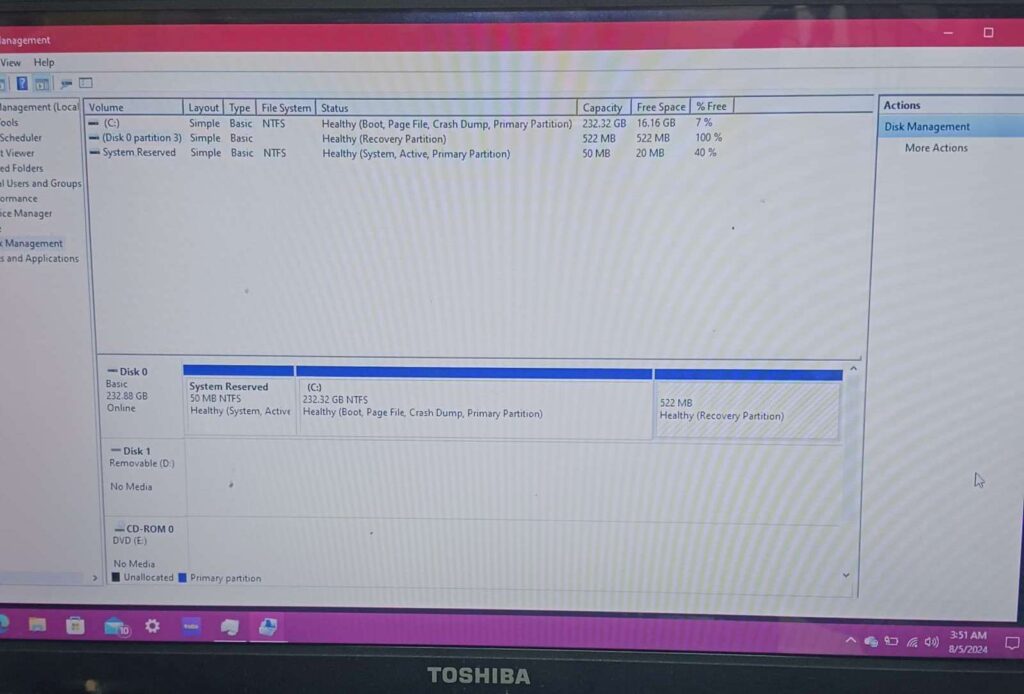
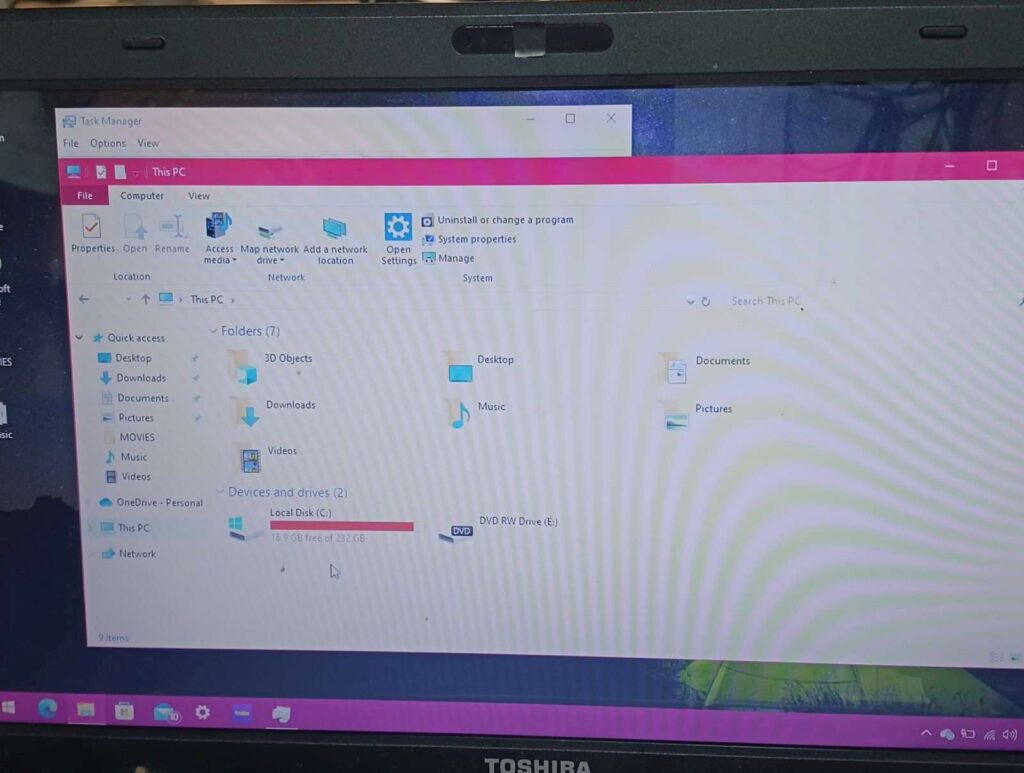
232GB, 5400rpm HDD
win10pro – shipped with Win7 Home Pro, liikely upgraded to Win10
replace HDD with SSD cost???
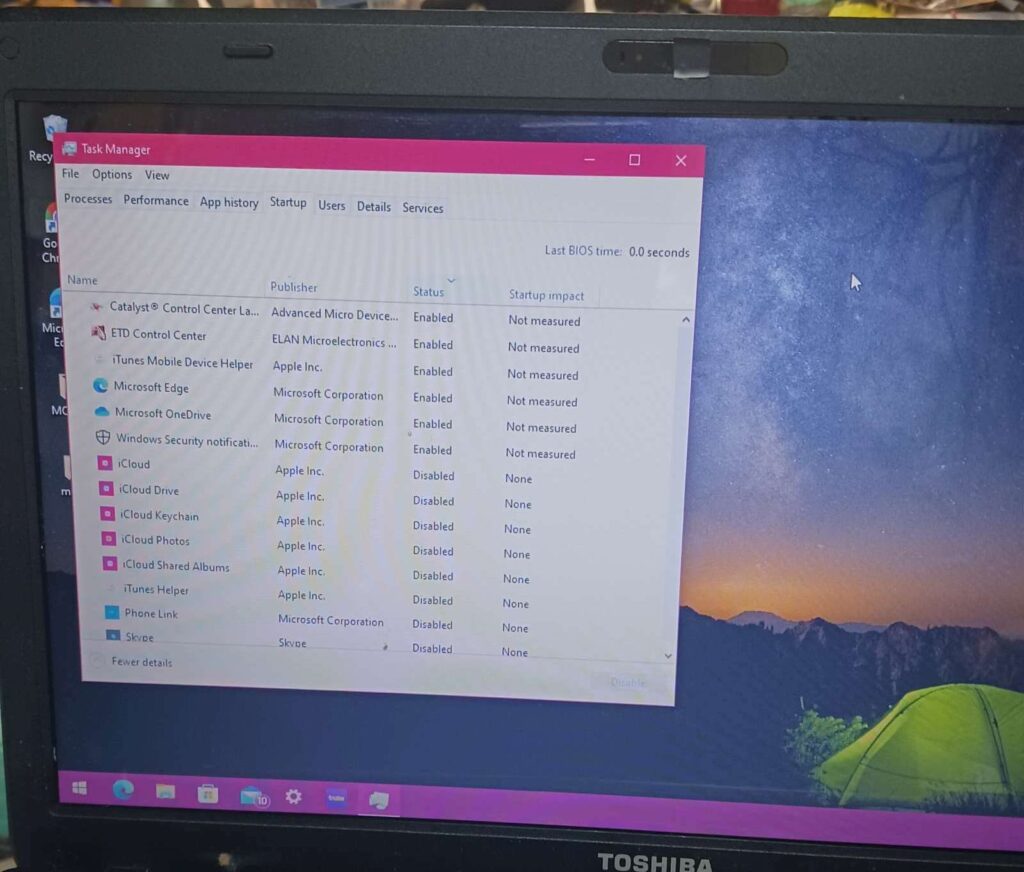
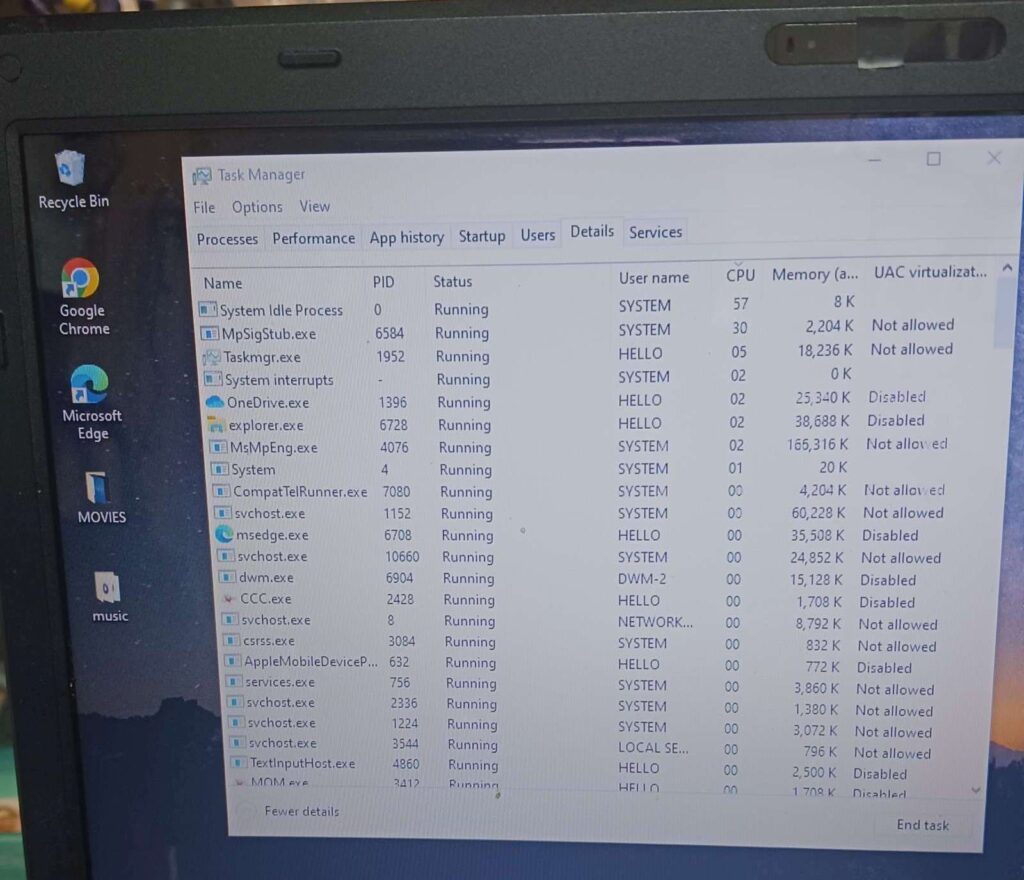
checked startup; not much in there, everything but essentials is turned off; nothing to do.
hd cleanup, little to do; disk is close to full (~19GB free), but not a problem
probs should defrag (unless SSD!)loading youtube takes over a minute in Edge. everything takes far too long.
computer is unusable.
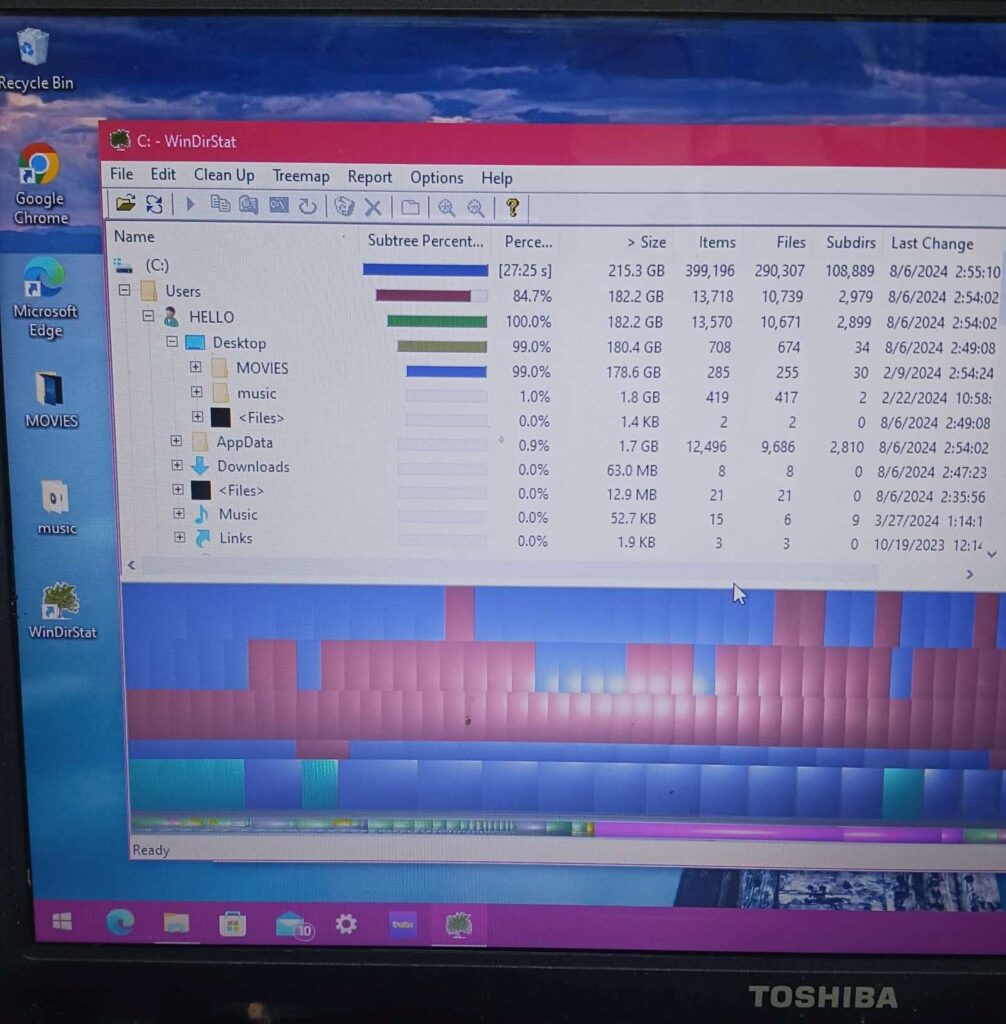
windirstat shows 99% of disk is used by \users\HELLO\Desktop\MOVIES – will want these files, or most of them, deleted before backup
THREE possible improvements:
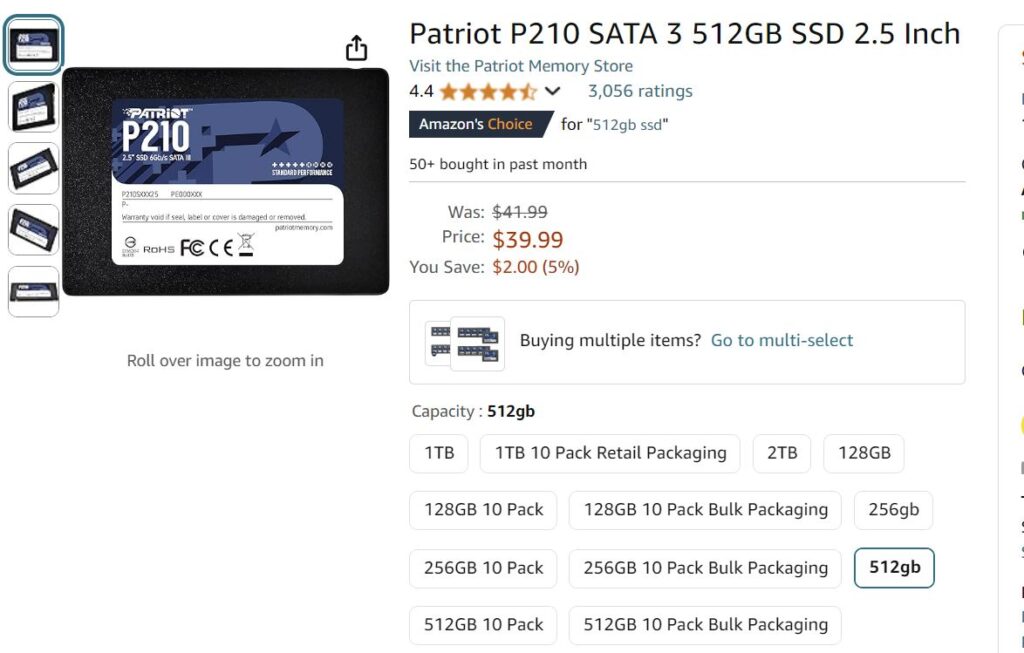
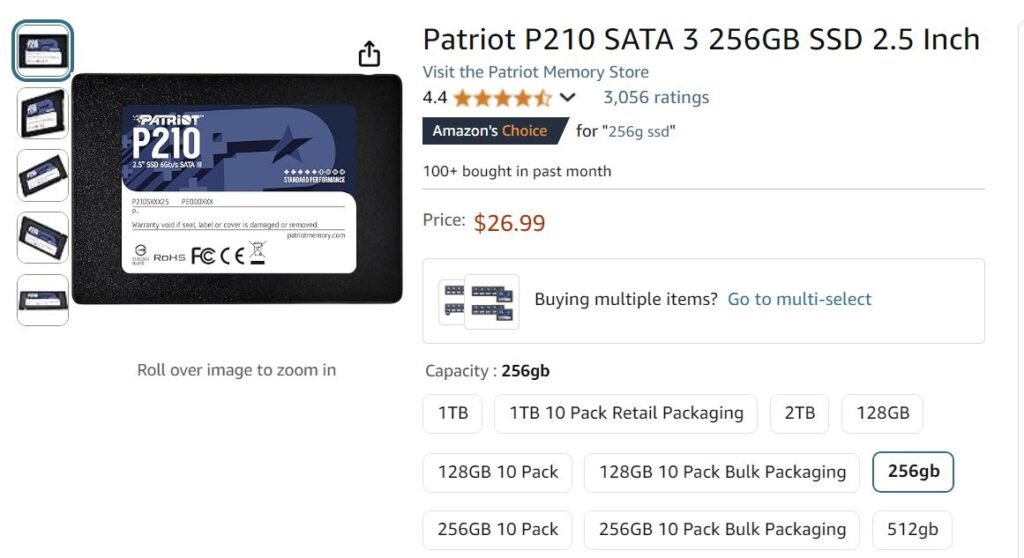
1. replace 256GB HDD with SSD (SSD = Solid State Drive, much faster than HDD); 256GB=$27, 512GB=$40 (+taxes)
2. install a lightweight Win10 or Win7
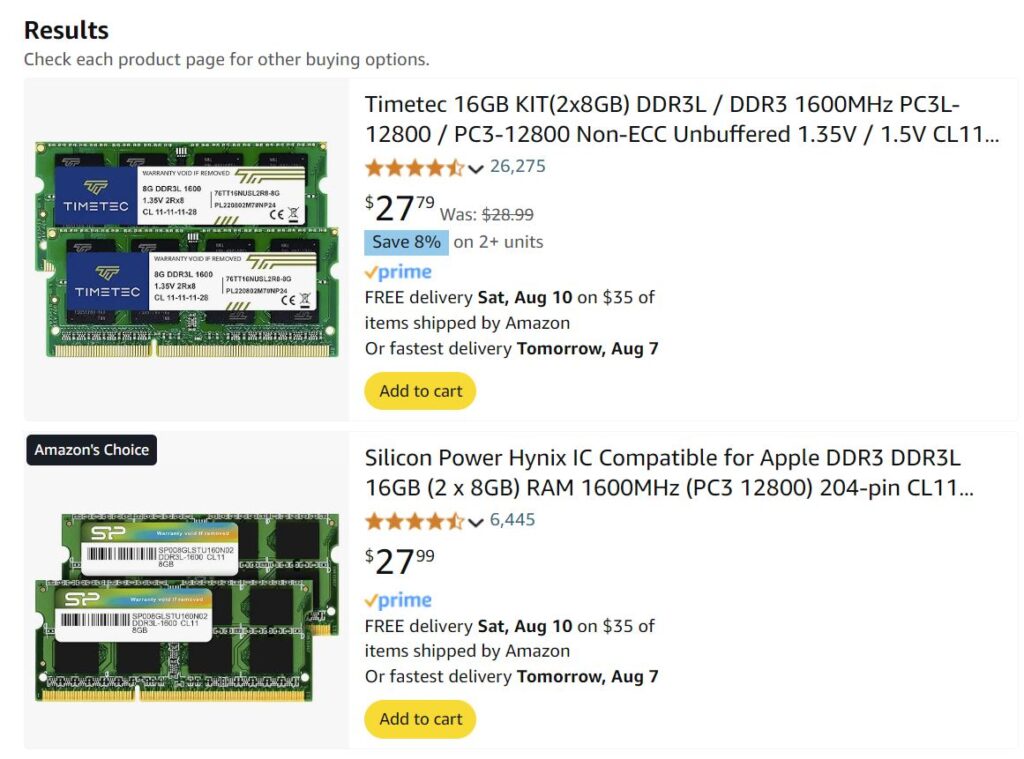
3. determine if a BIOS update would allow for more RAM; unlikely, but going to 16GB (~$28 + taxes) would help. BUT THIS IS UNLIKELY TO WORK, WOULD REQUIRE TESTING
— 2024-08-06 – Tuesday – 1st attempt at Win7 – ABANDONED
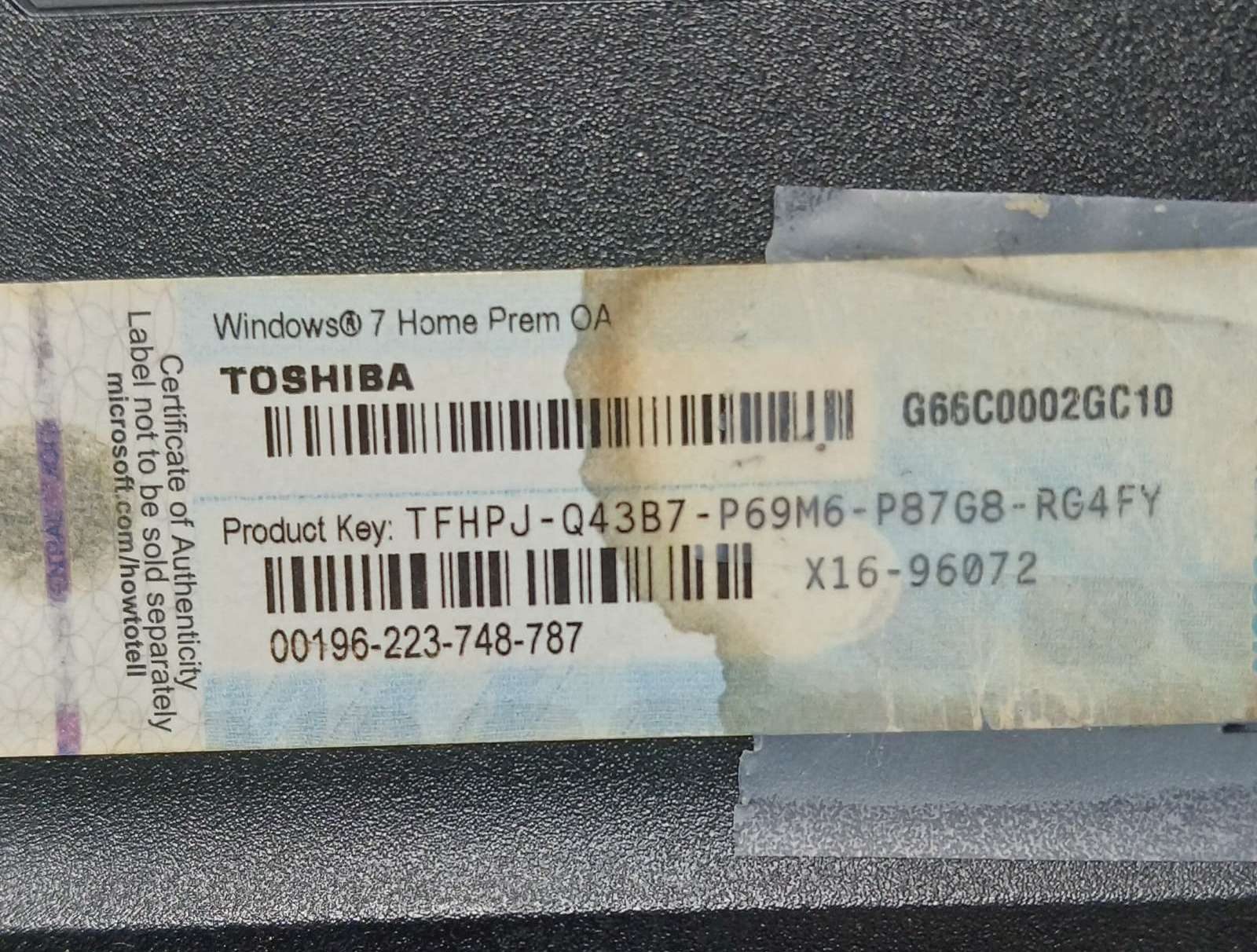
installed fresh copy of Win7 Pro; installs fine, but license key on bottom of laptop is for “Home Pro”, so doesn’t match;
installed fresh copy of Win7 Home Pro 64-bit; installs fine, key works to validate.
installed Vivaldi 5.???, lightest weight chromium browser.
installed VLC media plyer to avoid needing MS media players
machine is much more responsive, plays videos no lag, YouTube not lag, etc.
— 2024-08-07 – Wednesday
HOWEVER: two driver issues:
1. Video driver is generic Windows, so only 1024×768 (screen is 136×768), so doesn’t look right
video chip is ATI Radeon HD 4250; inbstalled AMD Catalyst 8.00.?? seems to have installed corerectly, logs shoiw it did, but no Catalyst program, no drivers, etc.
2. WiFi adapter is not installed so not working; wired Ethernet works as expected