this might be an “article” on how an off-hand “macro” keypad can be used to signioficantly reduce ease workflow
2024-05-24-18-54-31 – mini-macro-keypad, article, how-i
this is straight from the s.o.c. file, as typed, with all errors
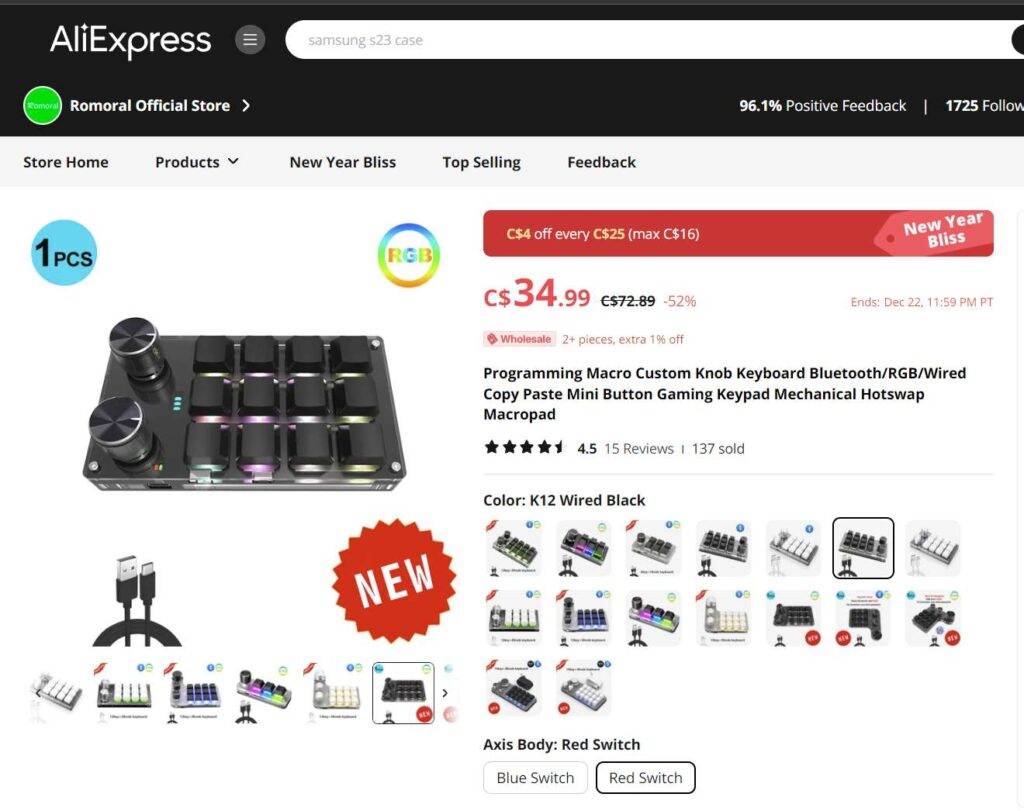
i just used the multi-paste function in the above lines, pressing win-v to bring up the list of things onther never-enbding keyboard ====== clippboard pasts avail, and thunk: i should add this to my mini macro keypad. so i decide this is the time to make it ahoppen; i have think this a few times lately. but fear maybe i alresdy have no room on th2 12 key pad pad. probably can solve that with a multi-layter (press shift, press hold alt, etc while pressing keypad woud allow for 24 or 36… keys availeable; but then onlyt ons=e set of lables stuck onthe front first level, unshifted etc. ideally, programmable image on the feys. i think theose lef keyboards can do this, or maybe a touch screen?
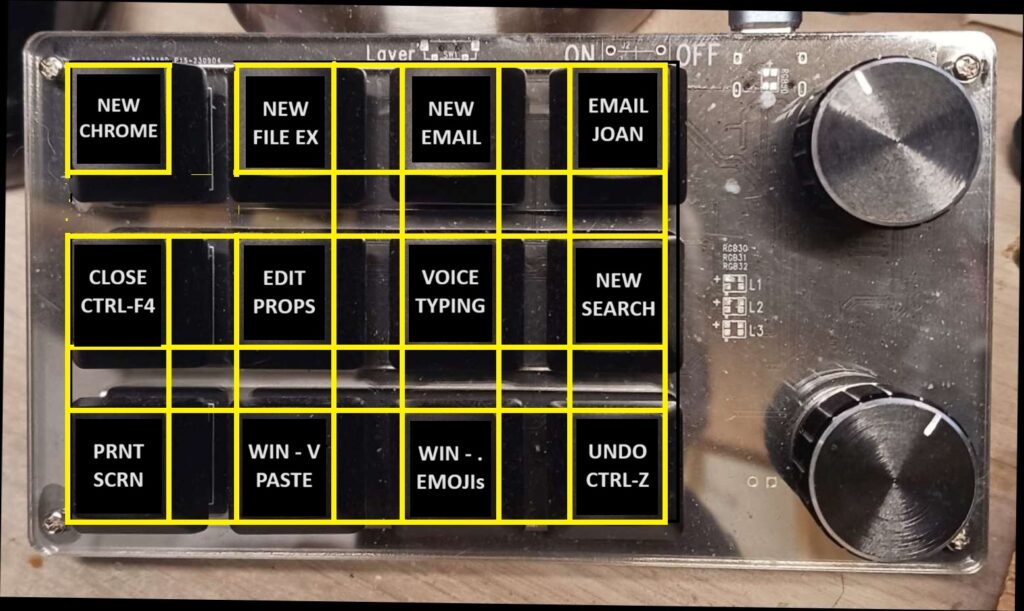
so i look over to my mini macro keyboard and see the lower row has this fu nction.
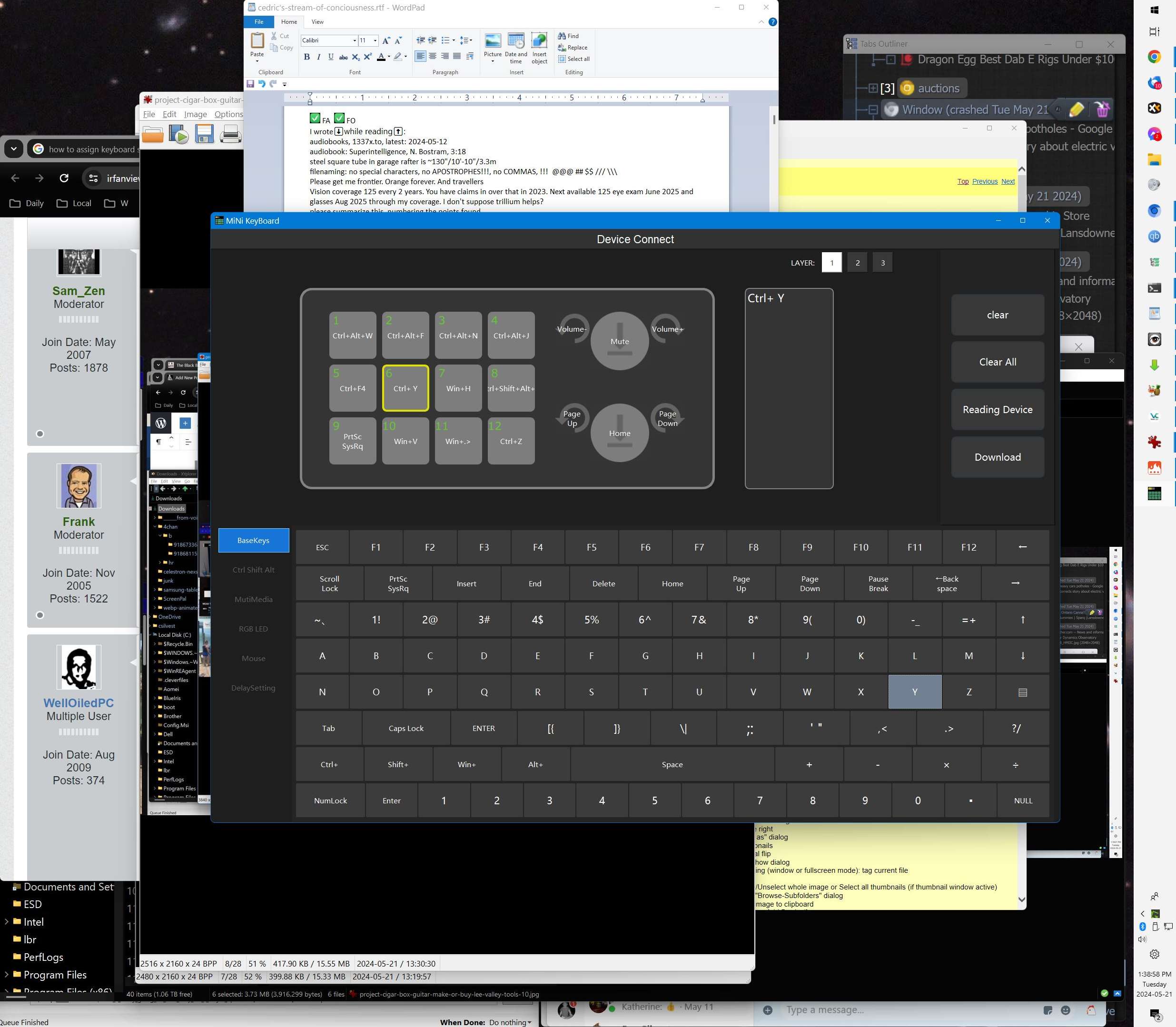
luckily this time i di not go to the effort of opening the sopftware that programs the keypad, which given i rarely riun it now that keybad has all the best functions
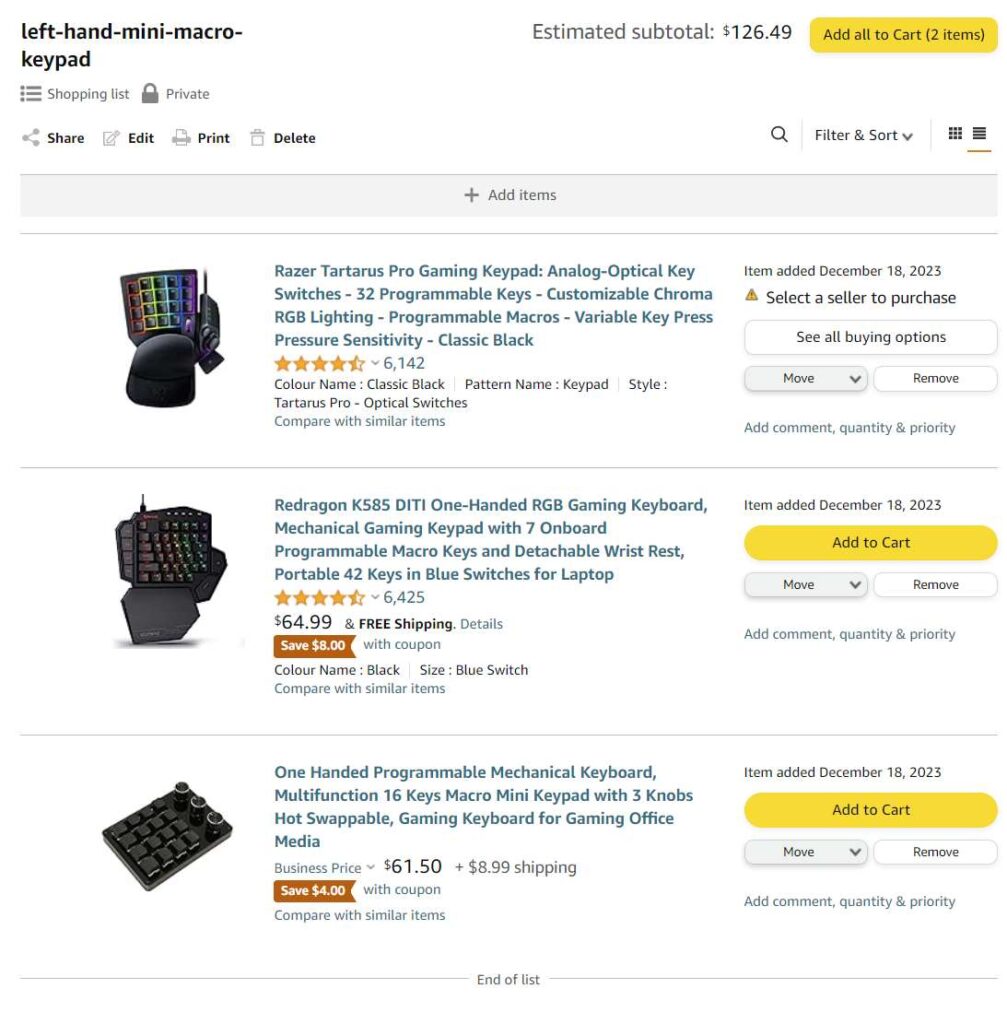
or maybe one of thos off habdn hasnd gaming ketpads with thumbsticks.
my prefrerfcen is for a keyboard like i have keypadsomething my left hand can reach while planted elbow on rest pad for elbow.
add this as blog post, clened up as just the mini macro keypad function
here is a gallery of the related screen snips or other media that I might uise for this post/article/…